
Assemble
Assemble
  • Docs
  • Changelog
  • Feature requests
    • Types of Files in Assemble
    • Upload Assets
    • Create Galleries
    • Add Bookmark Links
    • Use Submissions to Manage Approvals
    • Adding Phases to your Project
    • Create Subfolders
    • Search for Files
    • Add a Thumbnail to a File
    • Upload New Versions of Assets
    • Download Files & Permissions
    • Change a File Name
    • Inviting Teammates to your Files
    • Share a Review Link of a File
    • Share a Review Link of a Folder
    • File Upload Recommendations
    • Delete a File
Docs / Files

Search for Files

Learn how to search for files within your project.

Searching for Files

To search for a file, open any project and click the Search bar in the top right of the project dashboard.
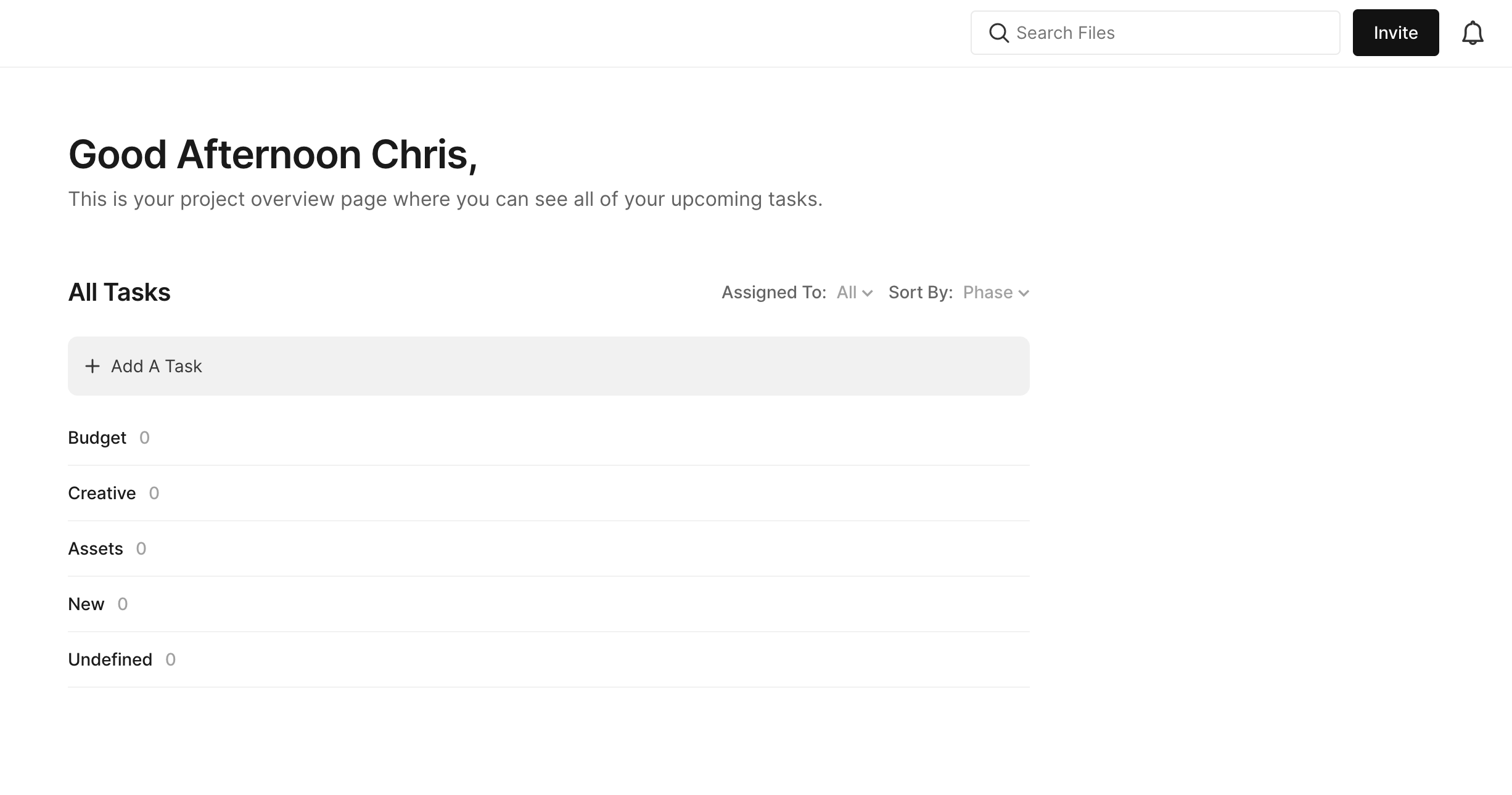
Begin to type in the file name and a list of files will appear. Click the file to open it.
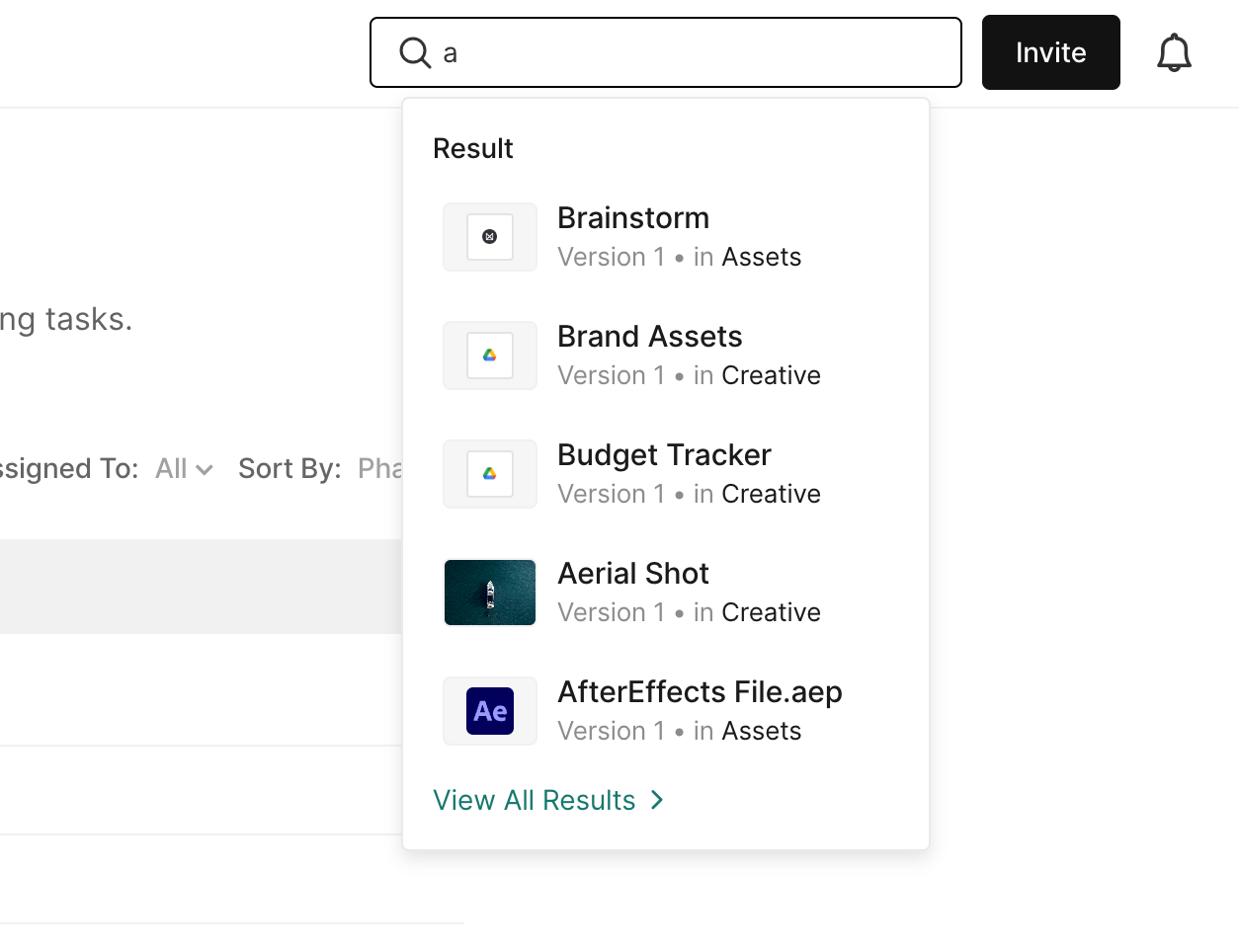
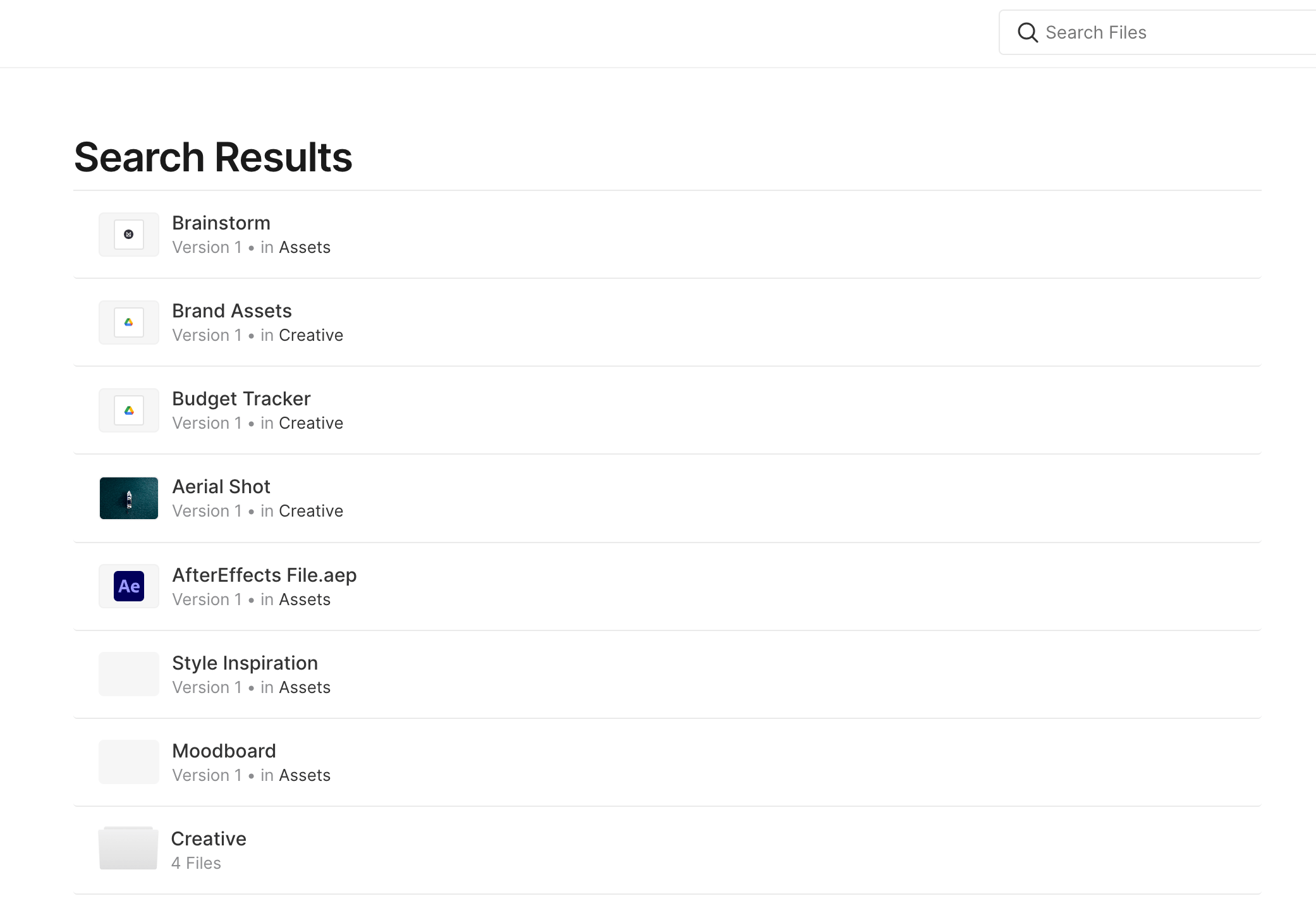
You can also click View All Results to view all the results on a single page.
To learn about the types of files you can add to Assemble, click here.

PrevCreate Subfolders
NextAdd a Thumbnail to a File
Was this helpful?