
Add a Thumbnail to a File
Learn how to add a thumbnail to any file within your project.
Adding Thumbnails to Files
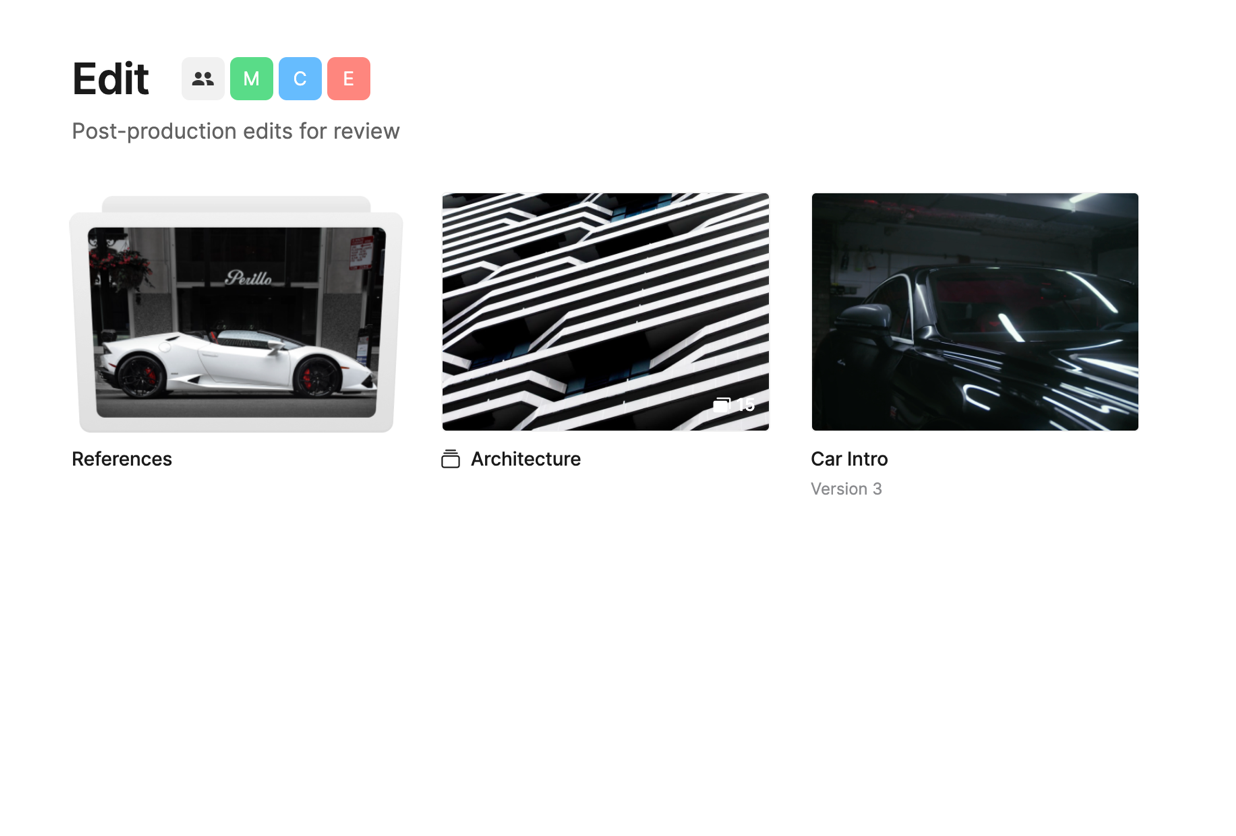
When you upload photos, videos or PDFs a thumbnail will be automatically generated. However, you can also upload a custom thumbnail if you want to change the appearance.
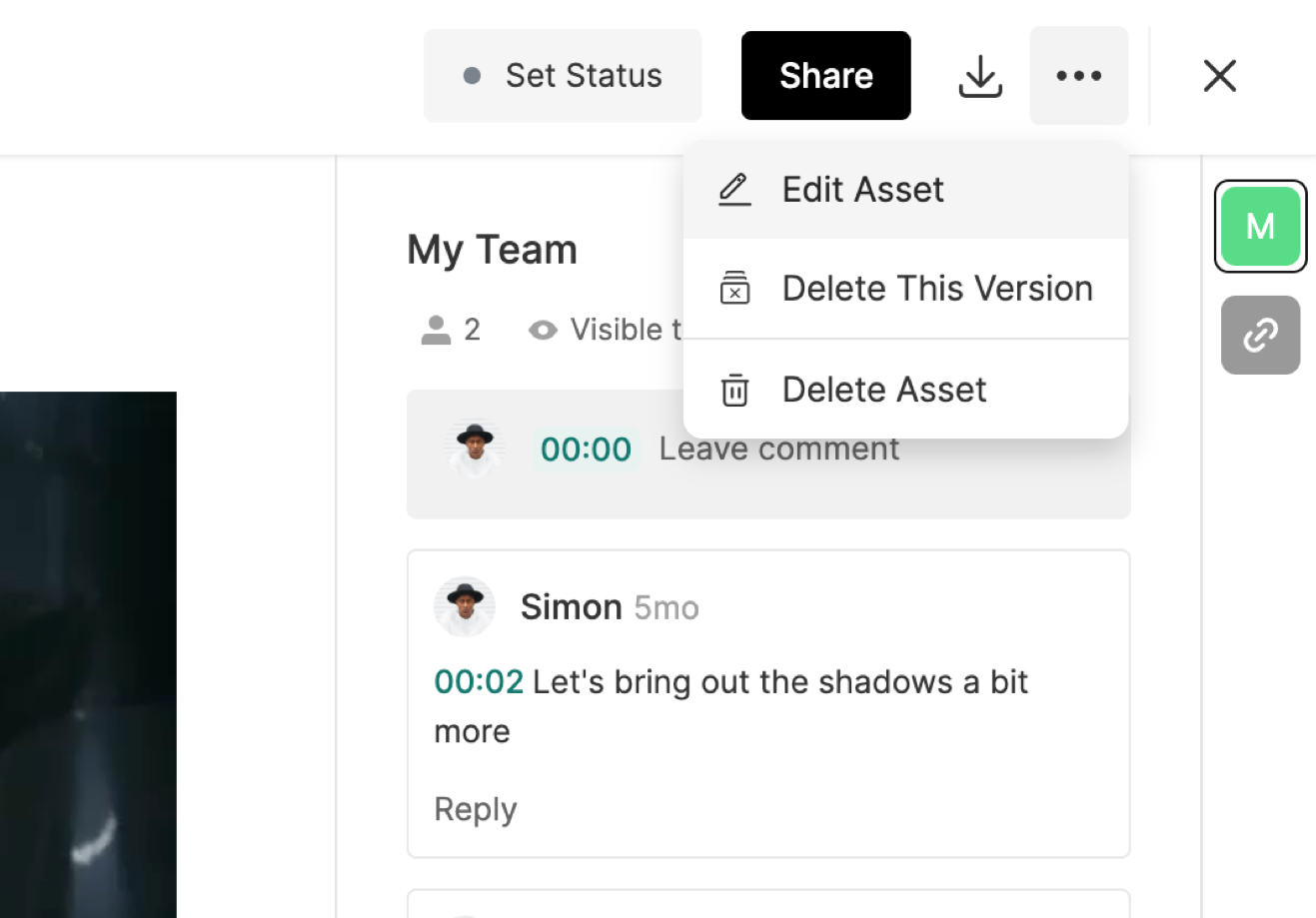
To add or change the thumbnail for a file, open the file and click the Three-Dot Menu in the top right and select Edit.
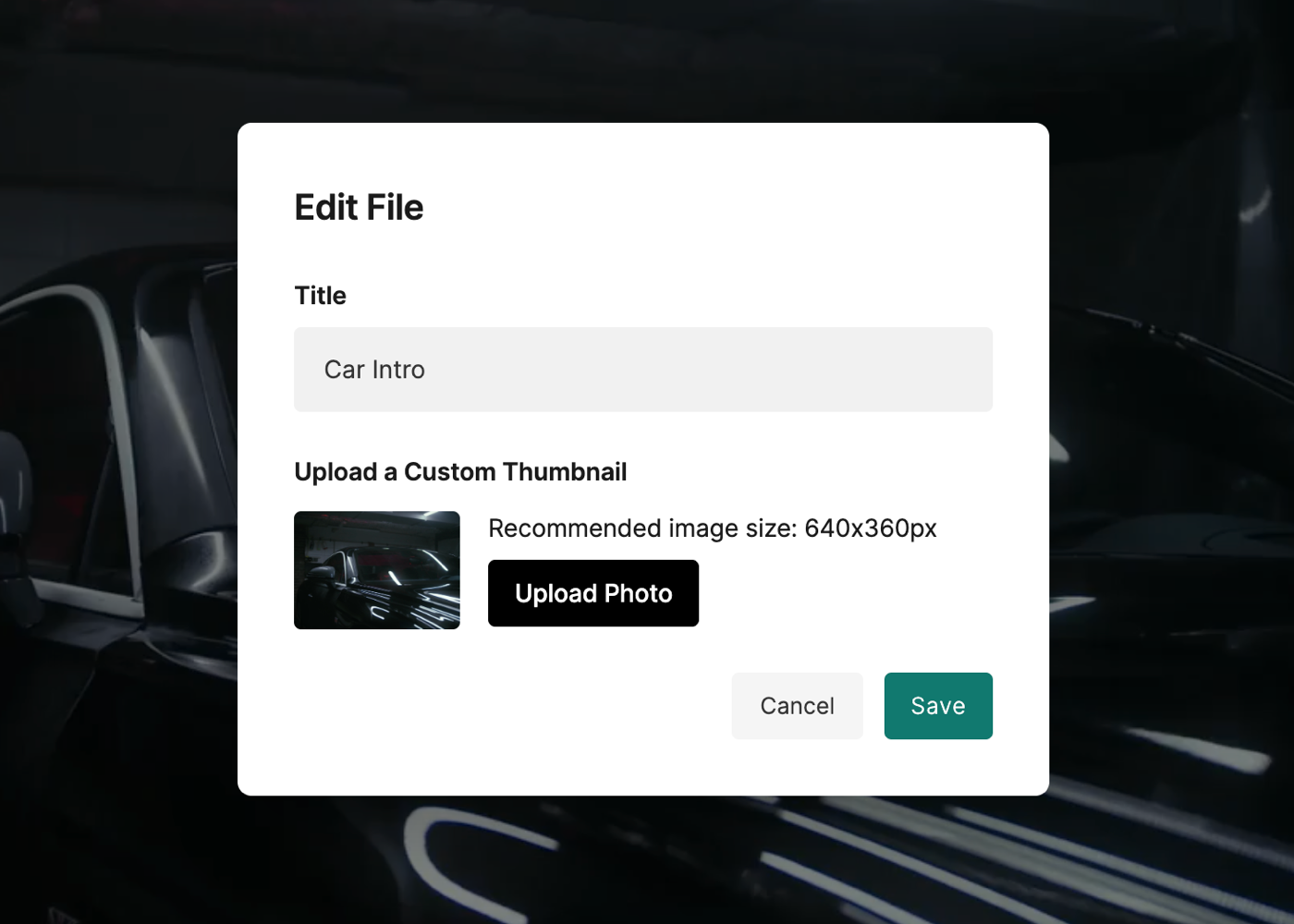
In the Edit screen, click Upload Thumbnail to add a thumbnail to the file.
Adding Thumbnails to Files During Upload
You can also add a thumbnail to a file on the upload screen. Just hover over the asset and click Add Thumbnail.
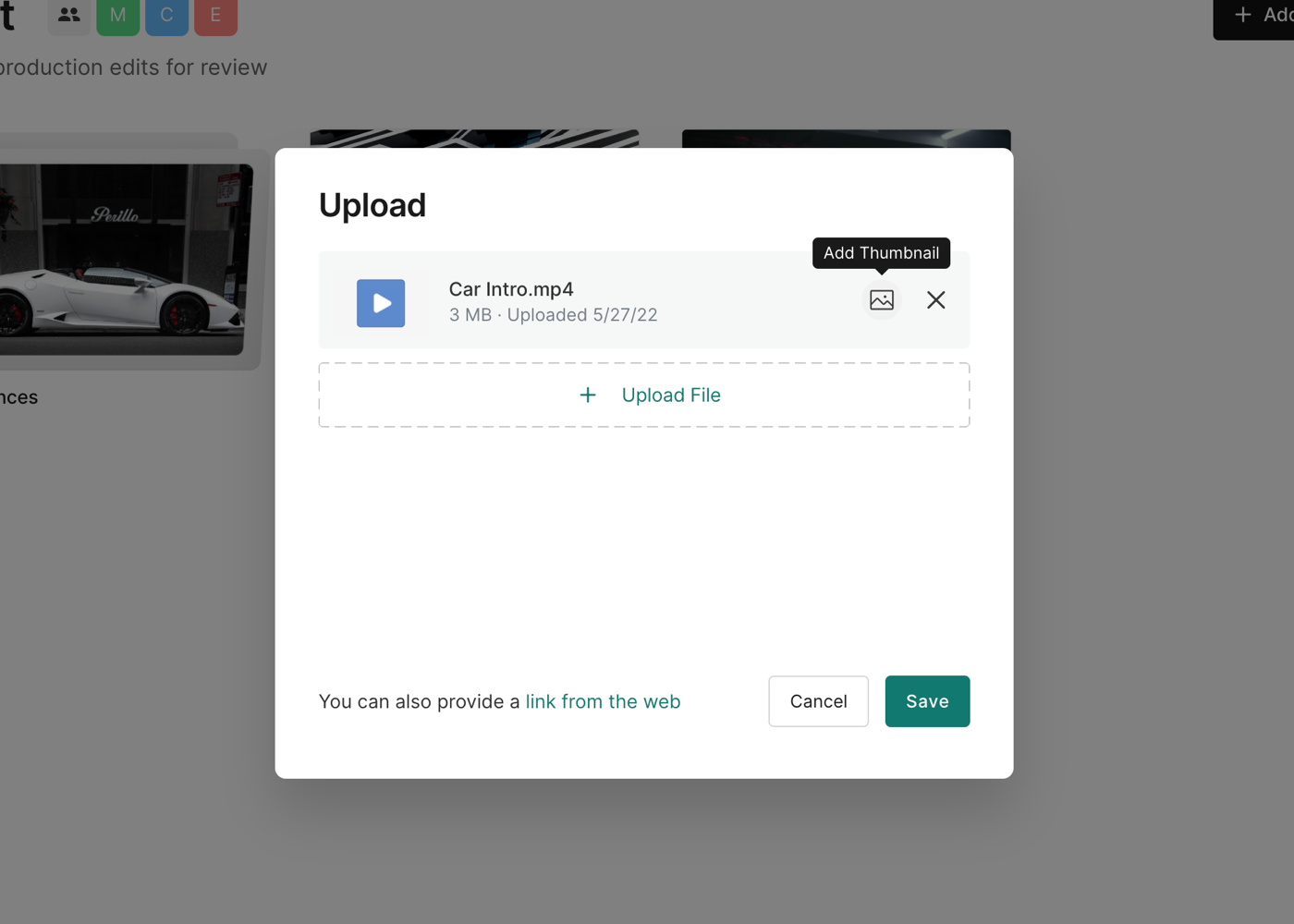
Choose your thumbnail and add it to your asset, then click Save to finish the upload.
Was this helpful?