
Assemble changelog
ProRes Support and Improved Streaming Playback
We've modernized our video encoding infrastructure to now support ProRes files and offer improved video playback for all video file types.
Assemble Desktop App
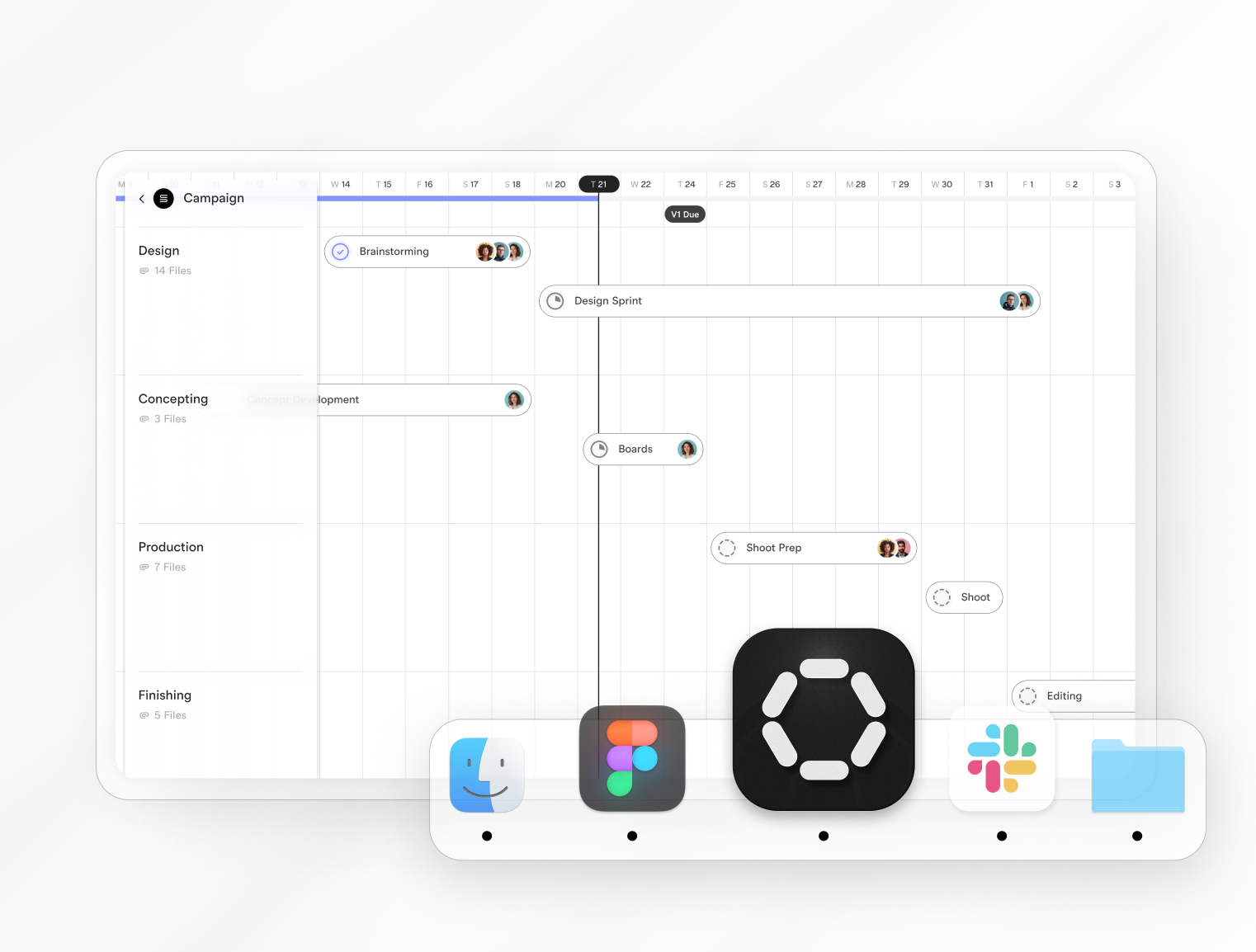
Download our desktop app to access all of your calendars, files and documents directly on your desktop. Available now for MacOS. Download in your workspace Settings under the Integrations tab.
Assemble + Slack integration
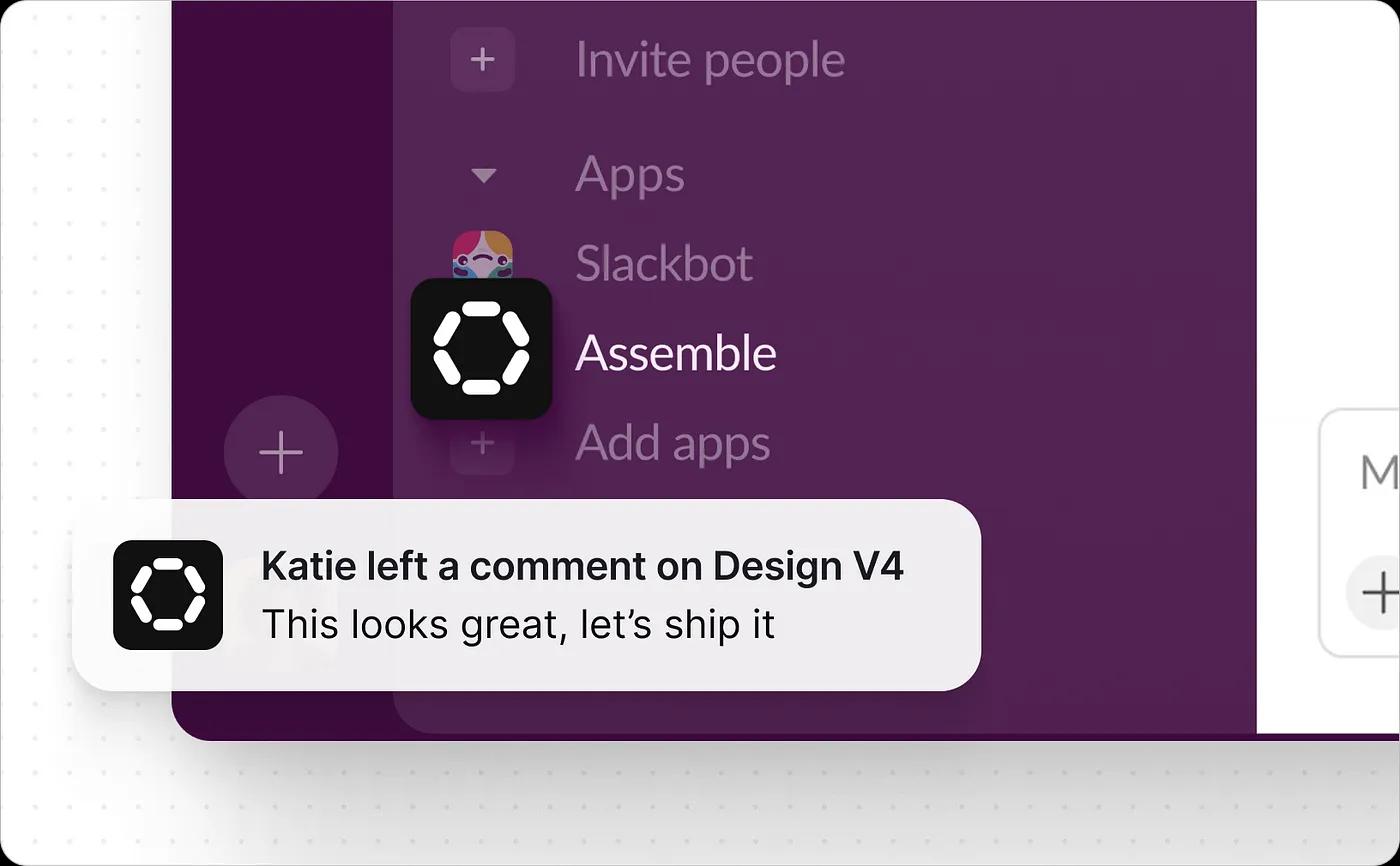
You can now integrate Assemble with Slack to receive notifications for new comments and status changes directly on your desktop.
Automatically Organize File Attachments
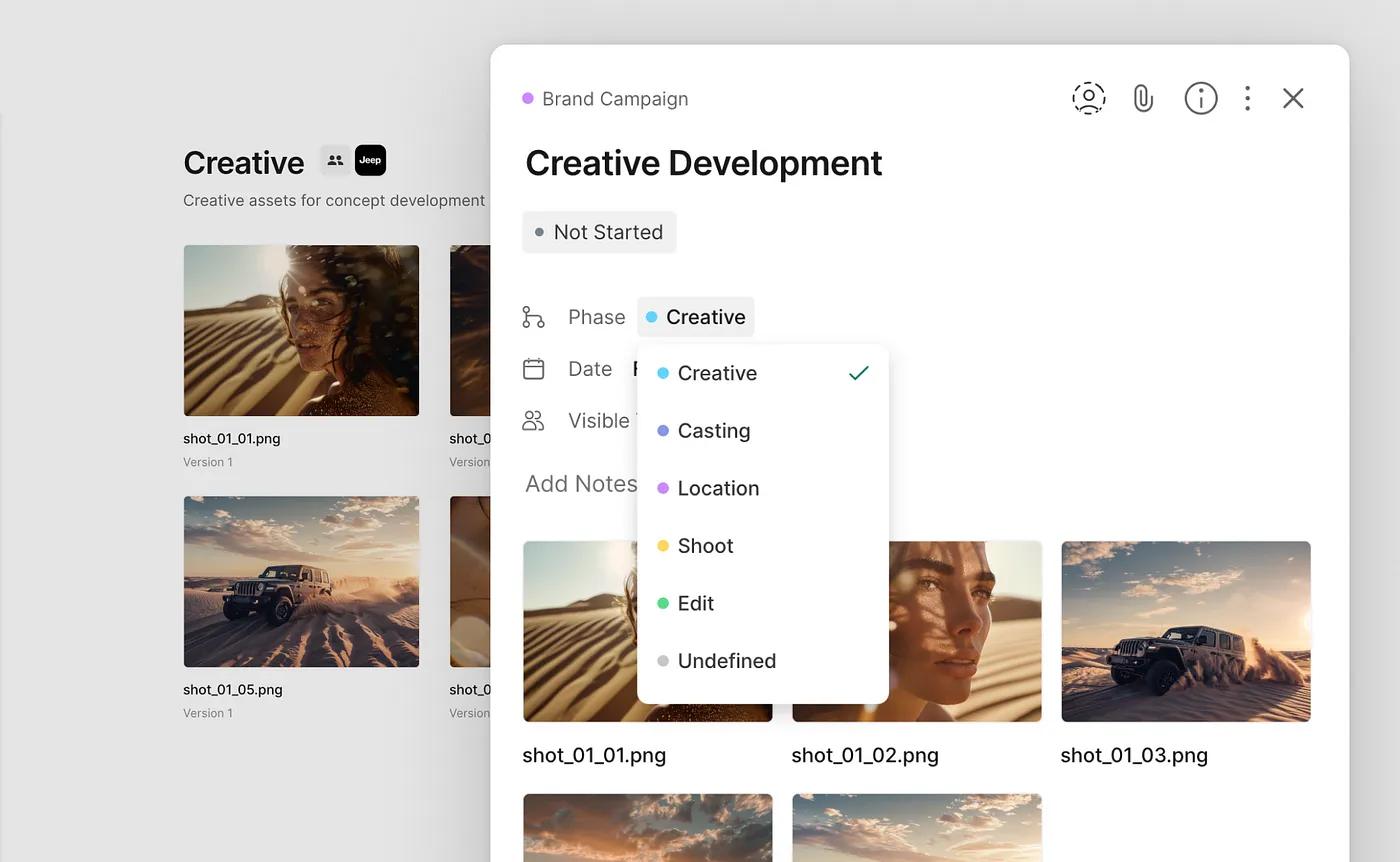
When you add file attachments to tasks, they are automatically organized within your project folder structure by phase.
Automatic Uploads
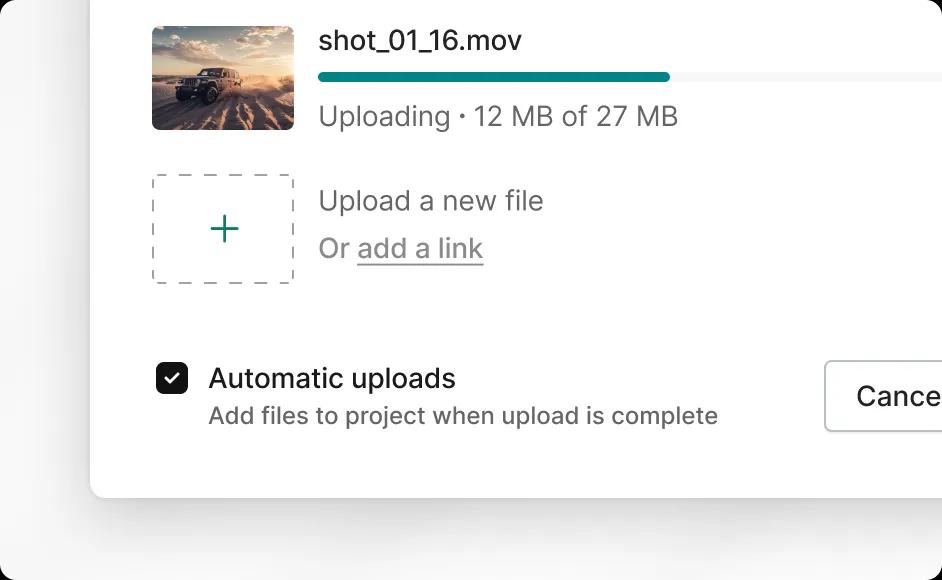
You now have the option to add files to your project immediately as soon as the upload is complete. Just turn on ‘Automatic uploads’ on the upload screen and files will be added to your project even if you are away from your computer. You can uncheck this option if you prefer to edit file names or re-order the files before adding them to your project.
Drag & Drop to Upload Files
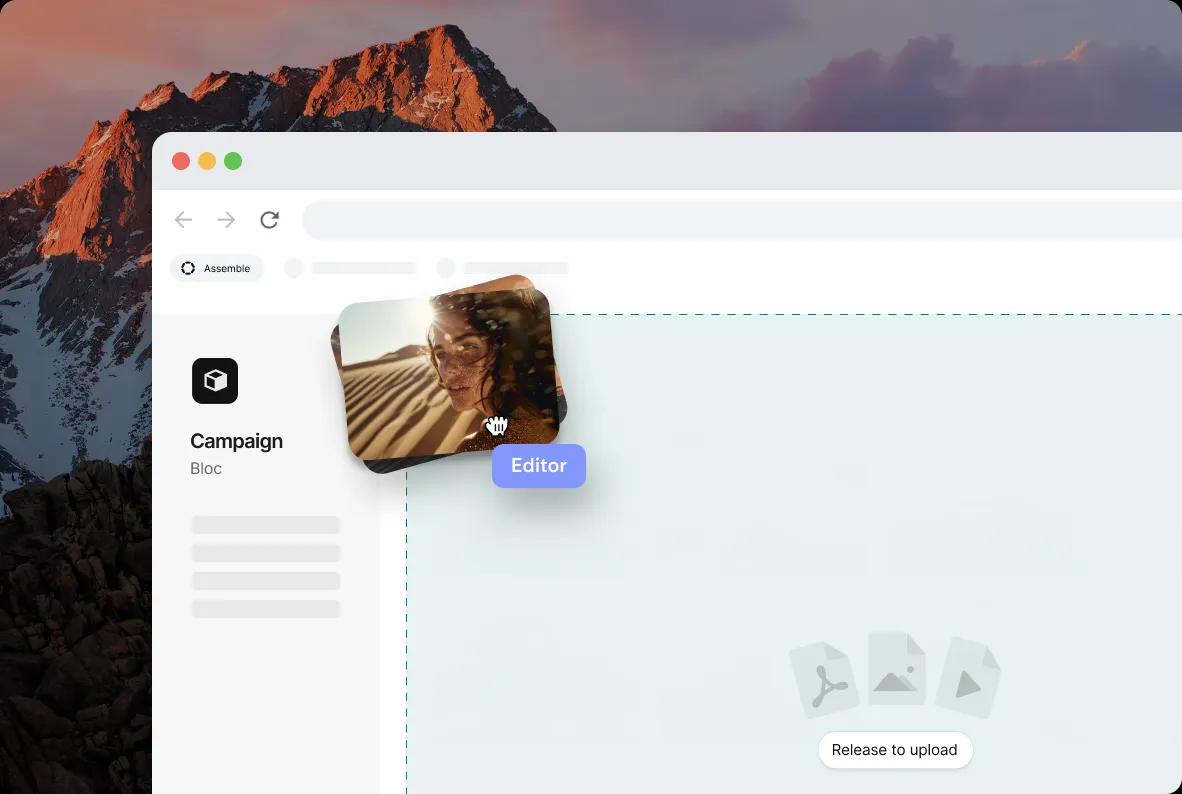
You can now drag files from your desktop directly into Assemble to start an upload. Files can be dragged into folders or directly onto tasks as attachments.
Upload Files & Create Documents within Tasks
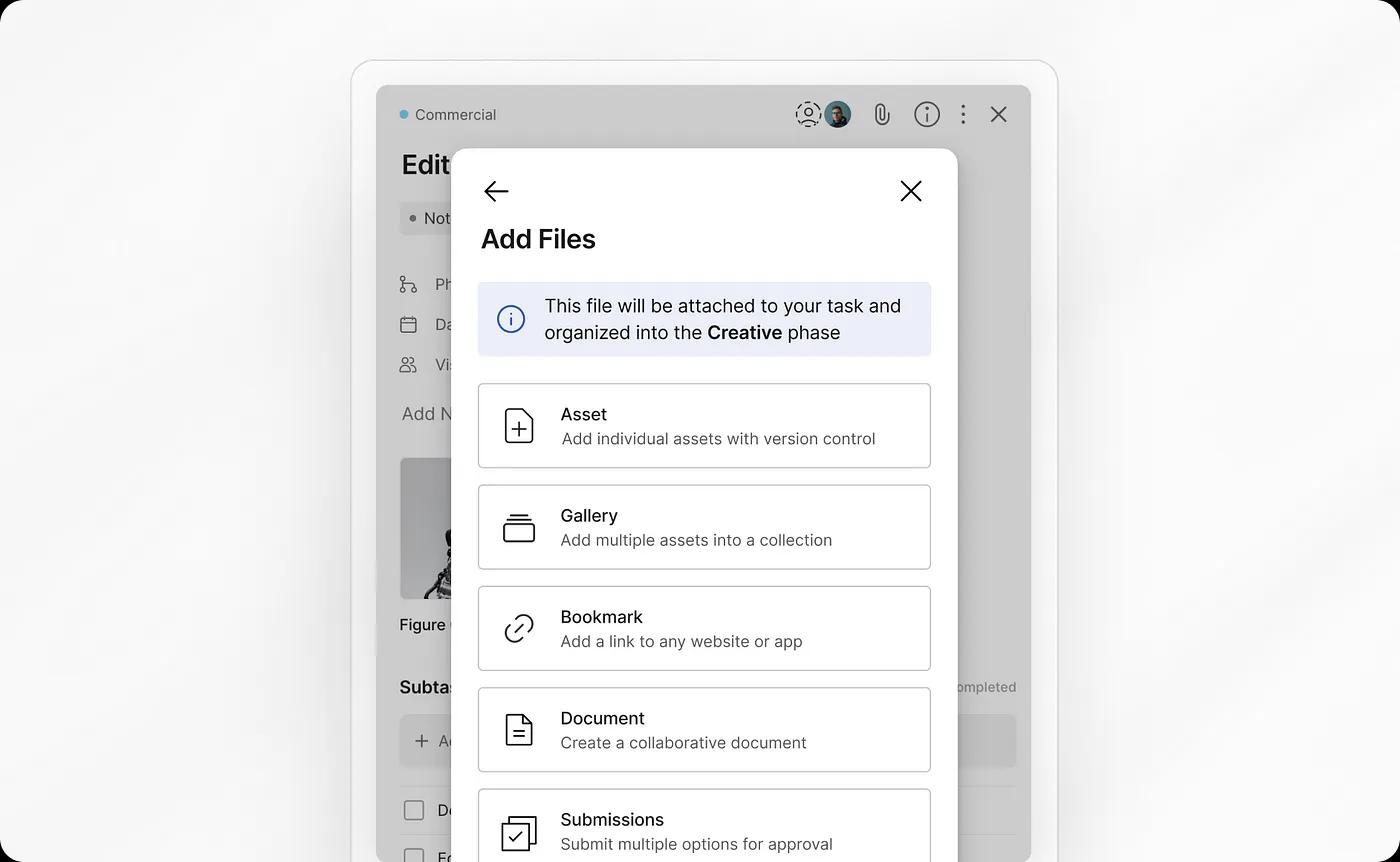
You can now upload new assets, galleries and submissions directly within your tasks. You can also add bookmarks or create brand new documents from within a task as well.
All new files are automatically organized into the same phase as the task.
Various Bug Fixes & Security Improvements
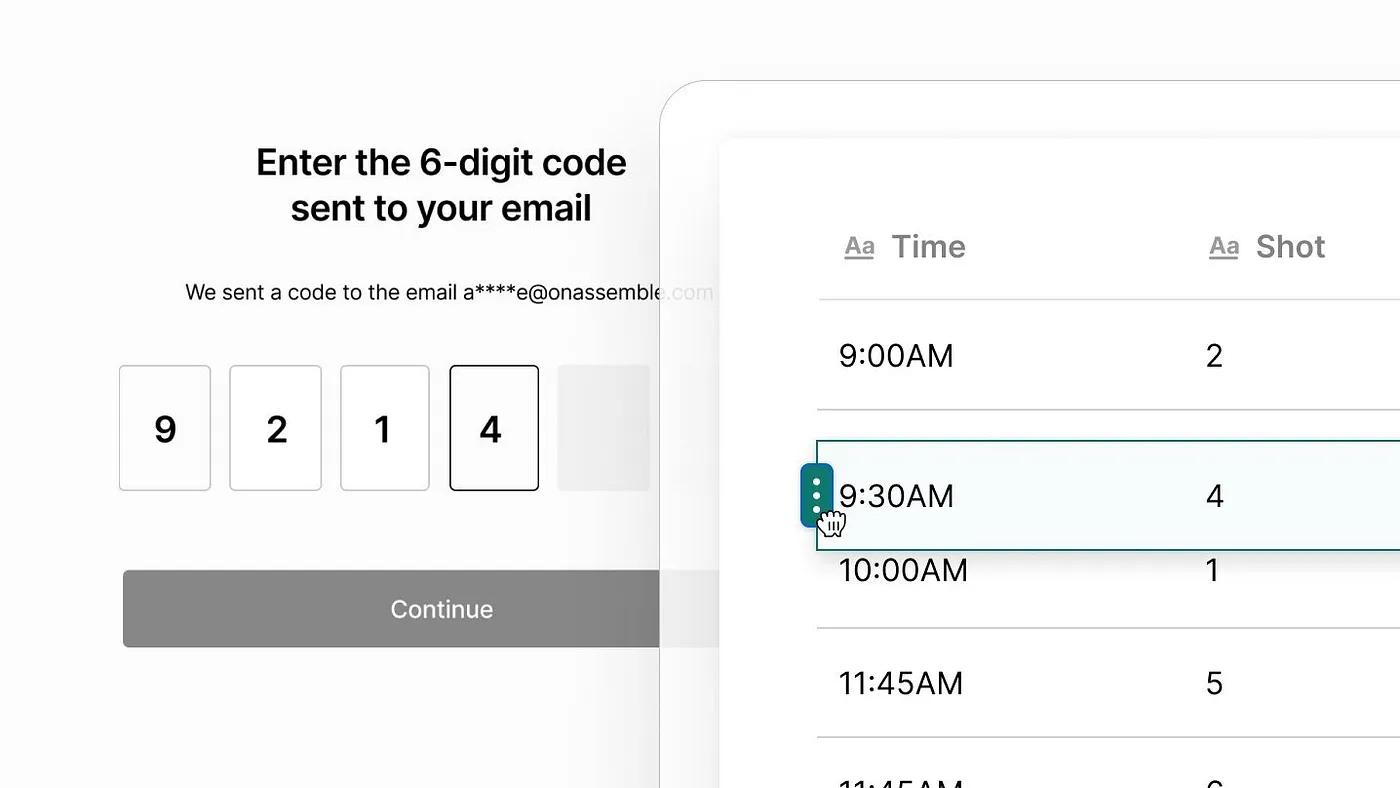
We’ve been working under the hood and have now launched various bug fixes and security improvements including drag-and-drop for document tables and improved login methods.