
Assemble
Assemble
Docs
  • Docs
  • Changelog
  • Feature requests
    • How to Build a Calendar
    • How to Add Tasks to Your Project
    • Attaching Files to Tasks
    • Bulk Drag & Drop to Shift your Calendar
    • Switching Between Month View & Timeline View
    • Sharing Review Links
    • Filtering Global Calendar and Tasks
    • How to Add Emoji Milestones
    • Locking the Calendar
    • Tracking Changes to the Calendar
    • Sync Google, Apple or Outlook
    • Using the Global Calendar
    • Using the Global Task List

Tracking Changes to the Calendar

How to keep track of changes to the Calendar.

Calendar Notifications

Anytime a change is made to a calendar task by you or another member of your team, a notification is sent in-app to notify your teammates of the change.
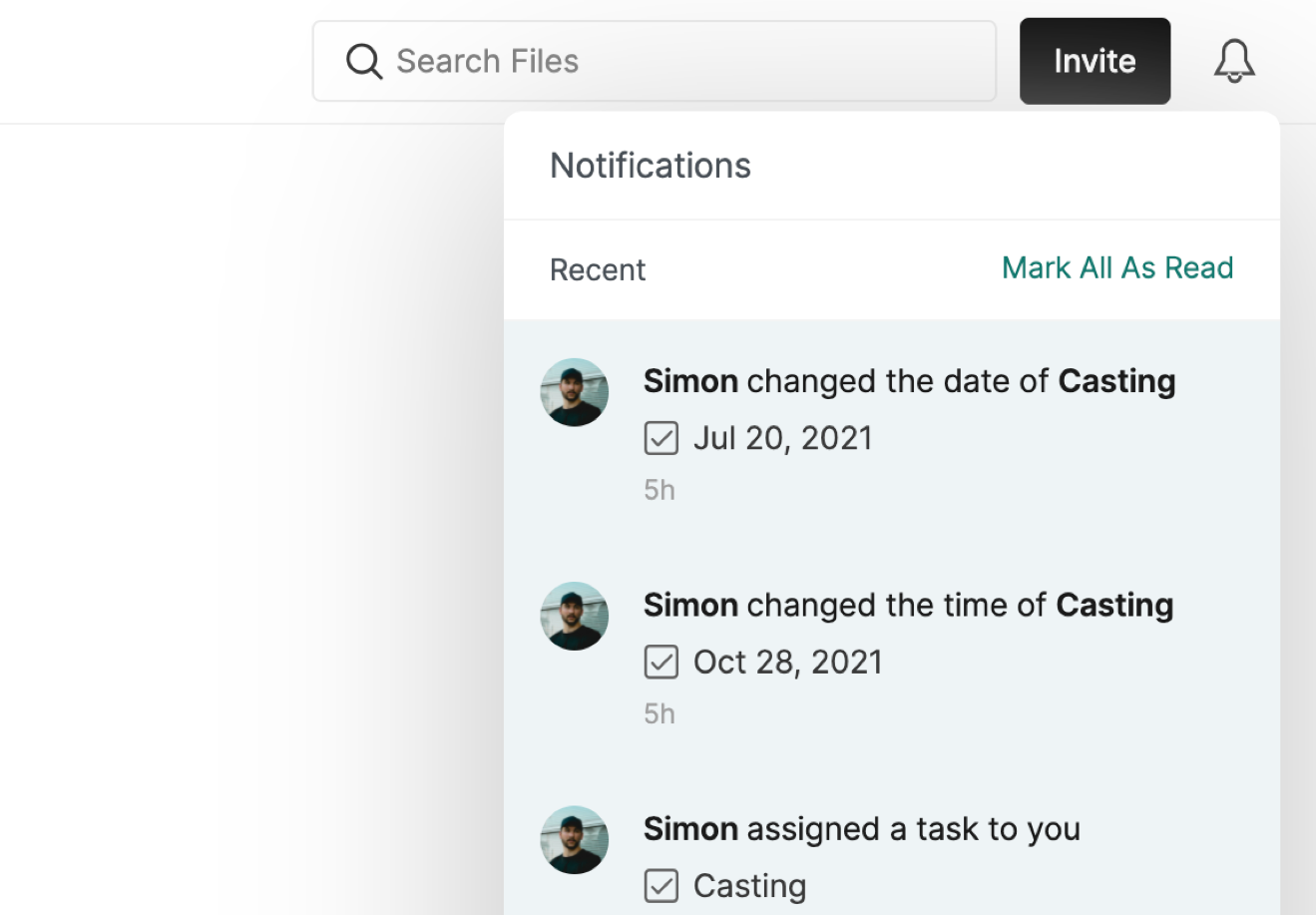
Calendar notifications are sent out if:

  • A new task is created

  • A new task or subtask is assigned to a user (the notification is only sent to the user it has been assigned to)

  • A task's status changes

  • A subtask is completed

  • The time or date of a task is changed

  • A task is deleted

  • A new comment is made on a task

To learn more about notifications, click here.


PrevLocking the Calendar
NextSync Google, Apple or Outlook
Was this helpful?