
Assemble
Assemble
Docs
  • Docs
  • Changelog
  • Feature requests
    • How to Build a Calendar
    • How to Add Tasks to Your Project
    • Attaching Files to Tasks
    • Bulk Drag & Drop to Shift your Calendar
    • Switching Between Month View & Timeline View
    • Sharing Review Links
    • Filtering Global Calendar and Tasks
    • How to Add Emoji Milestones
    • Locking the Calendar
    • Tracking Changes to the Calendar
    • Sync Google, Apple or Outlook
    • Using the Global Calendar
    • Using the Global Task List

Bulk Drag & Drop to Shift your Calendar

How to move all the tasks on your calendar at once.

Shifting your Calendar

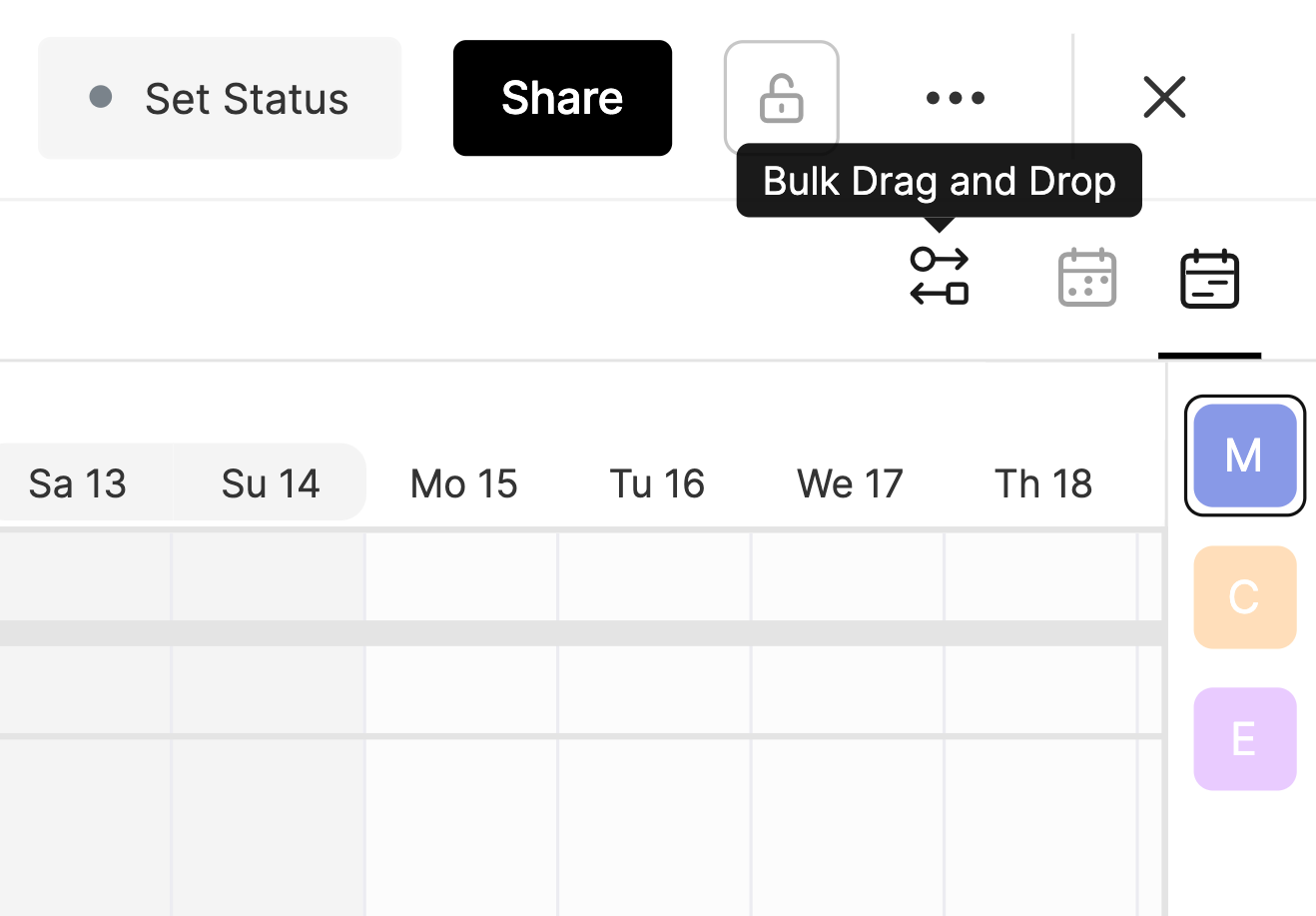
To bulk move multiple tasks on your calendar all at once, click the Bulk Drag & Drop button in the upper right hand corner to toggle the feature on.
When toggled on, shift a task that you want to move. Once you release the task, all tasks on the same day or later will move in unison.
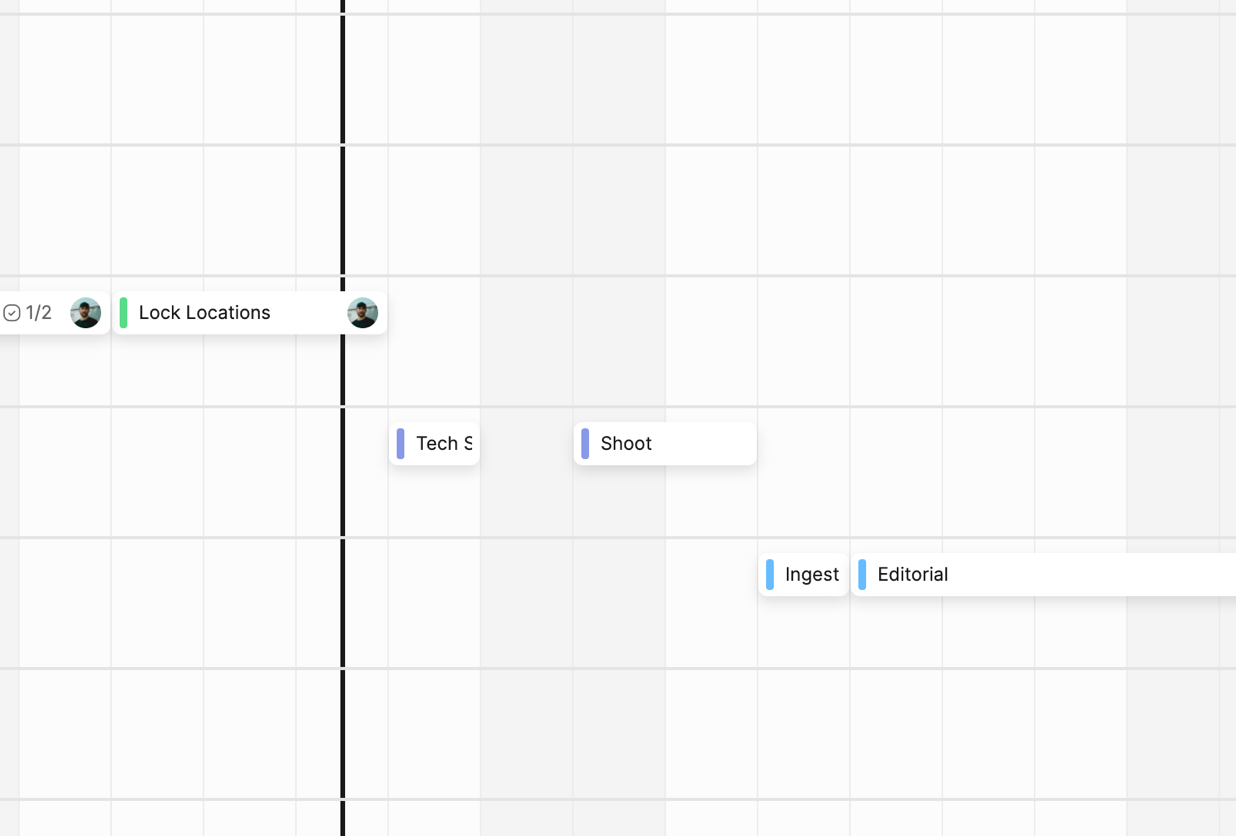
This action can be taken to move tasks forward or backwards. Once you're done, click the Bulk Drag & Drop icon to toggle the feature off.


PrevAttaching Files to Tasks
NextSwitching Between Month View & Timeline View
Was this helpful?