
Project Dashboard
How to switch between card and timeline view on the project dashboard.
Card View of Dashboard
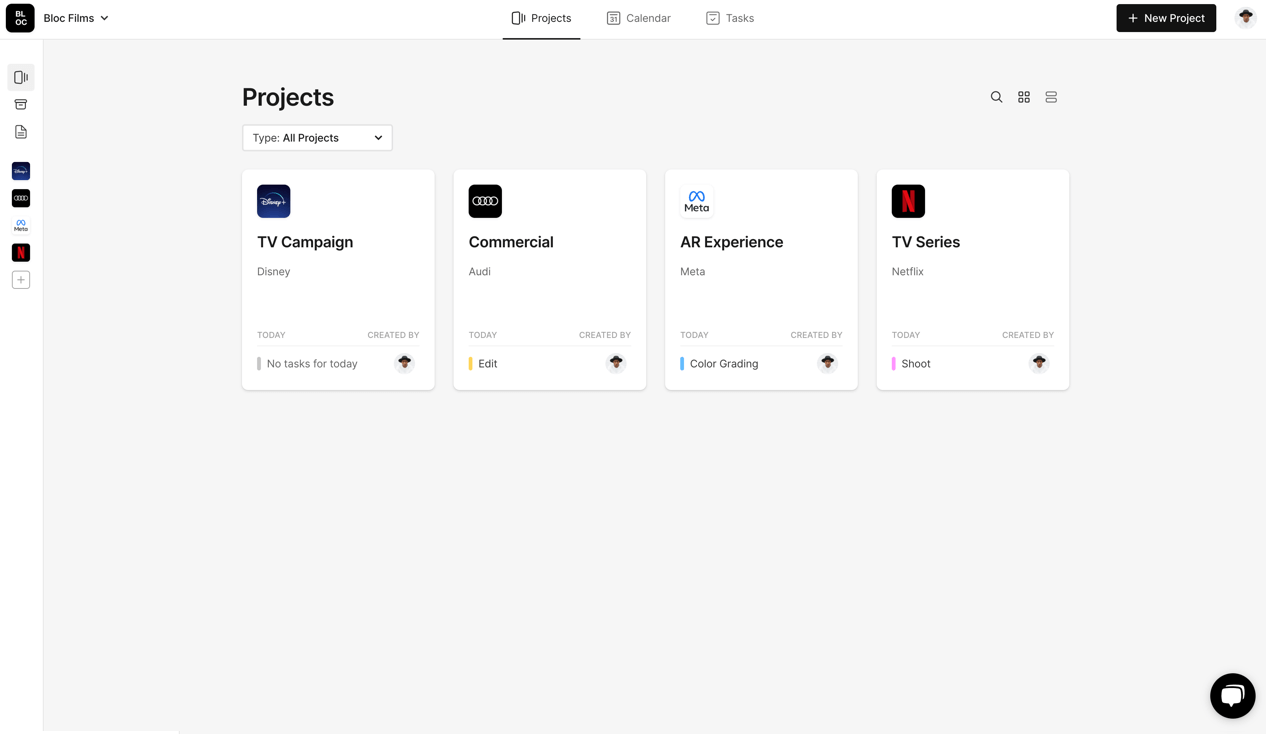
The standard Project Dashboard gives you a simple card view of your projects with the project logo, title and company.
The cards also show a preview of Tasks for today, as well as the Project Owner.
Switching List View of Dashboard
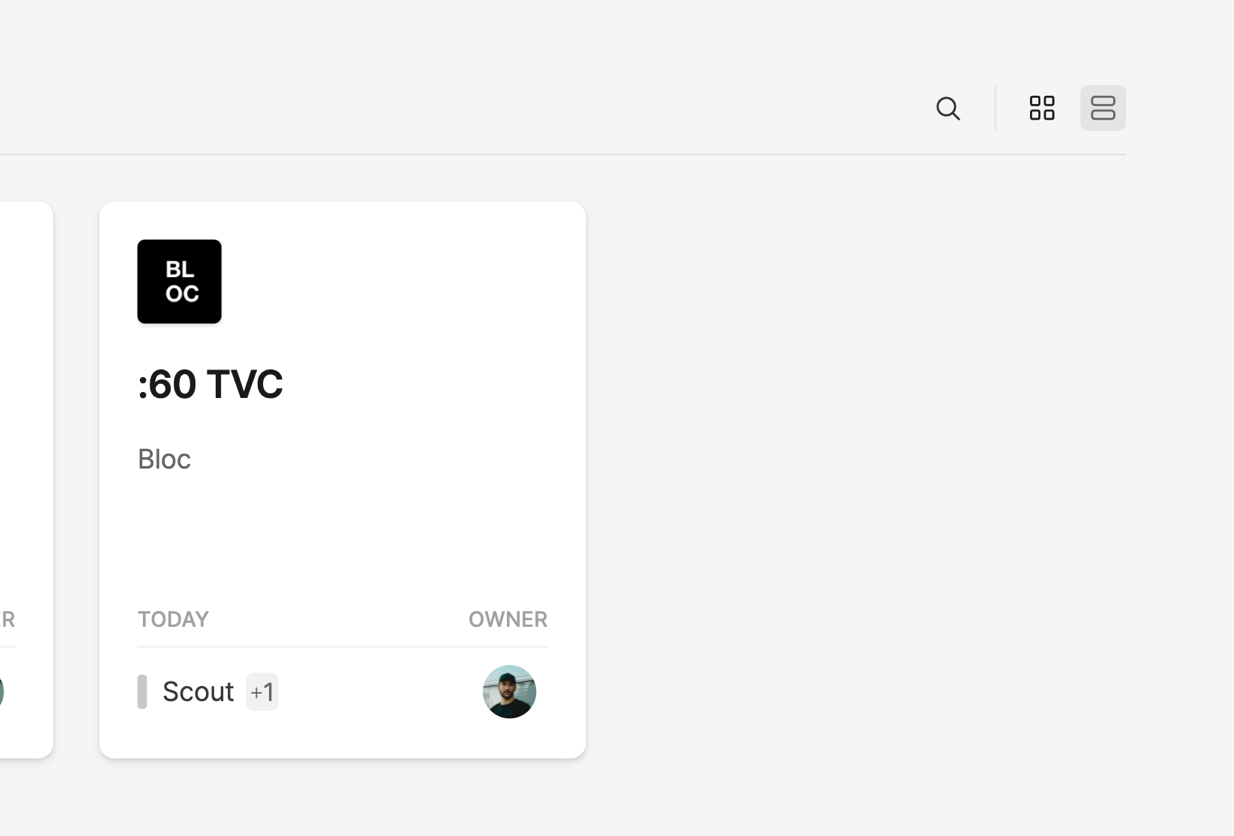
If you prefer to visualize your dashboard in a list view, click the List Icon on the right side.
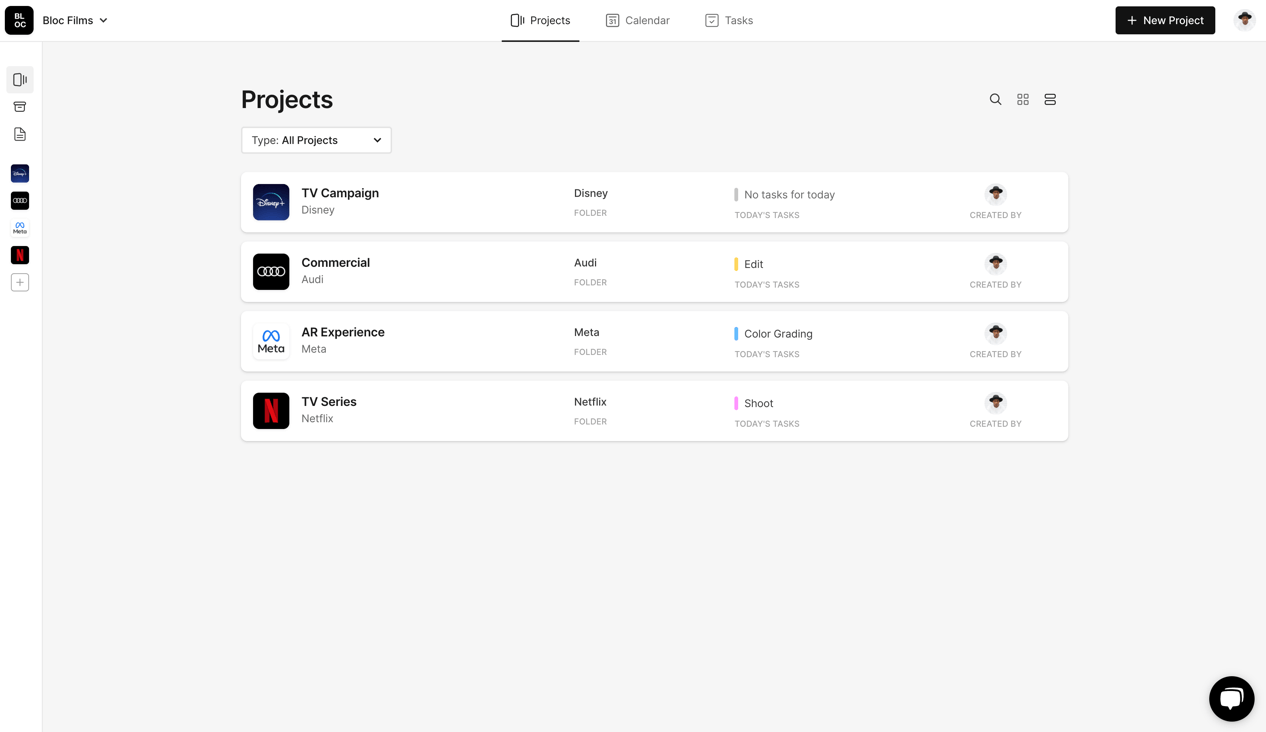
The list view includes all of the same information as the card view, as well as the Project Folder that the project is in.
Whichever view you choose will be remembered and set as the standard view for future logins.
To learn more about project folders, click here.
Was this helpful?