

Inviting Users to Your Project
To invite a user to your project, open the project and click the Invite button at the top right of your project dashboard.

The Invite modal will open.
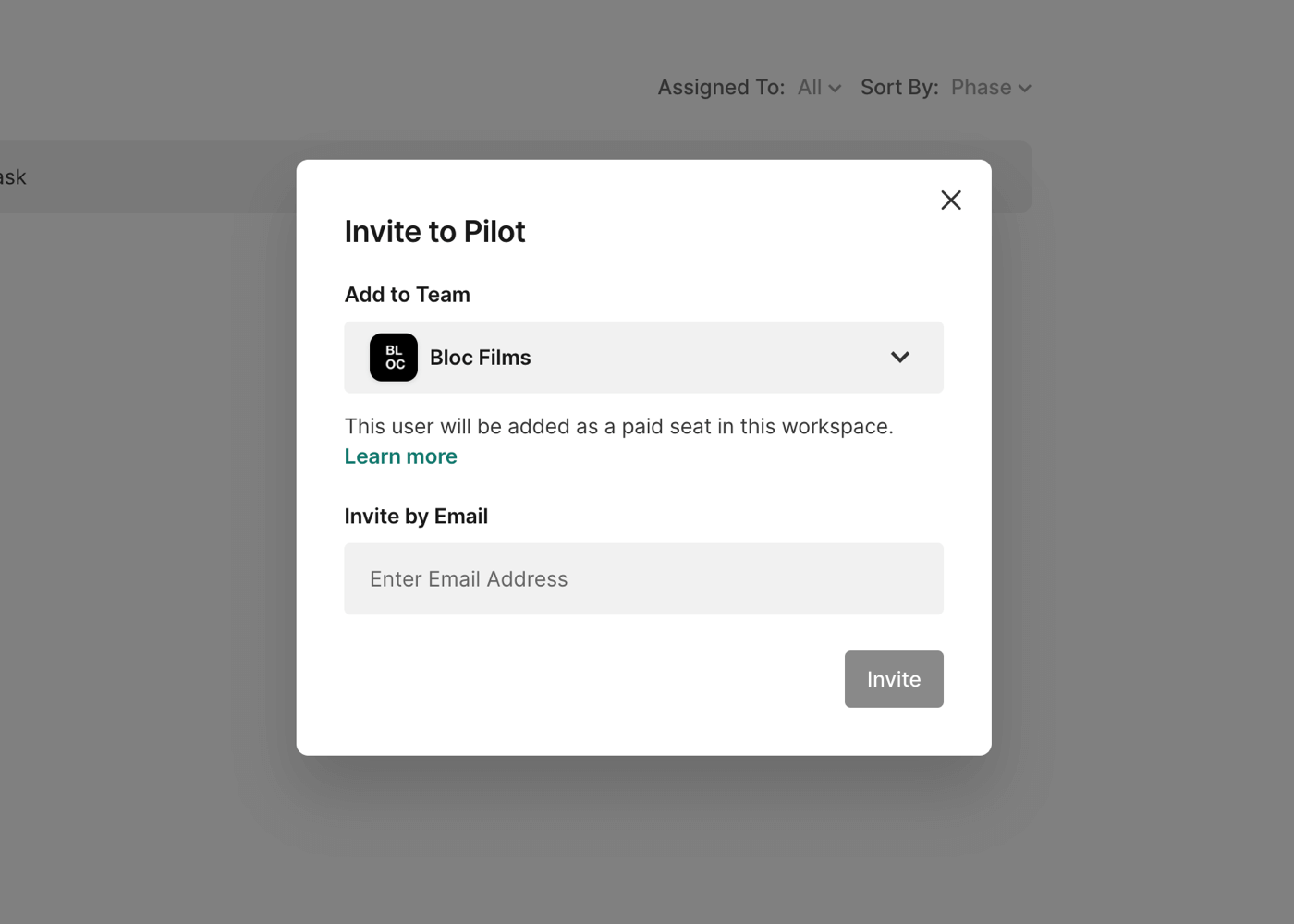
Next, choose which team you would like to invite them to by clicking the Add to Team drop down. Beneath the team names, each team will be identified as a Workspace Team or Guest Team.
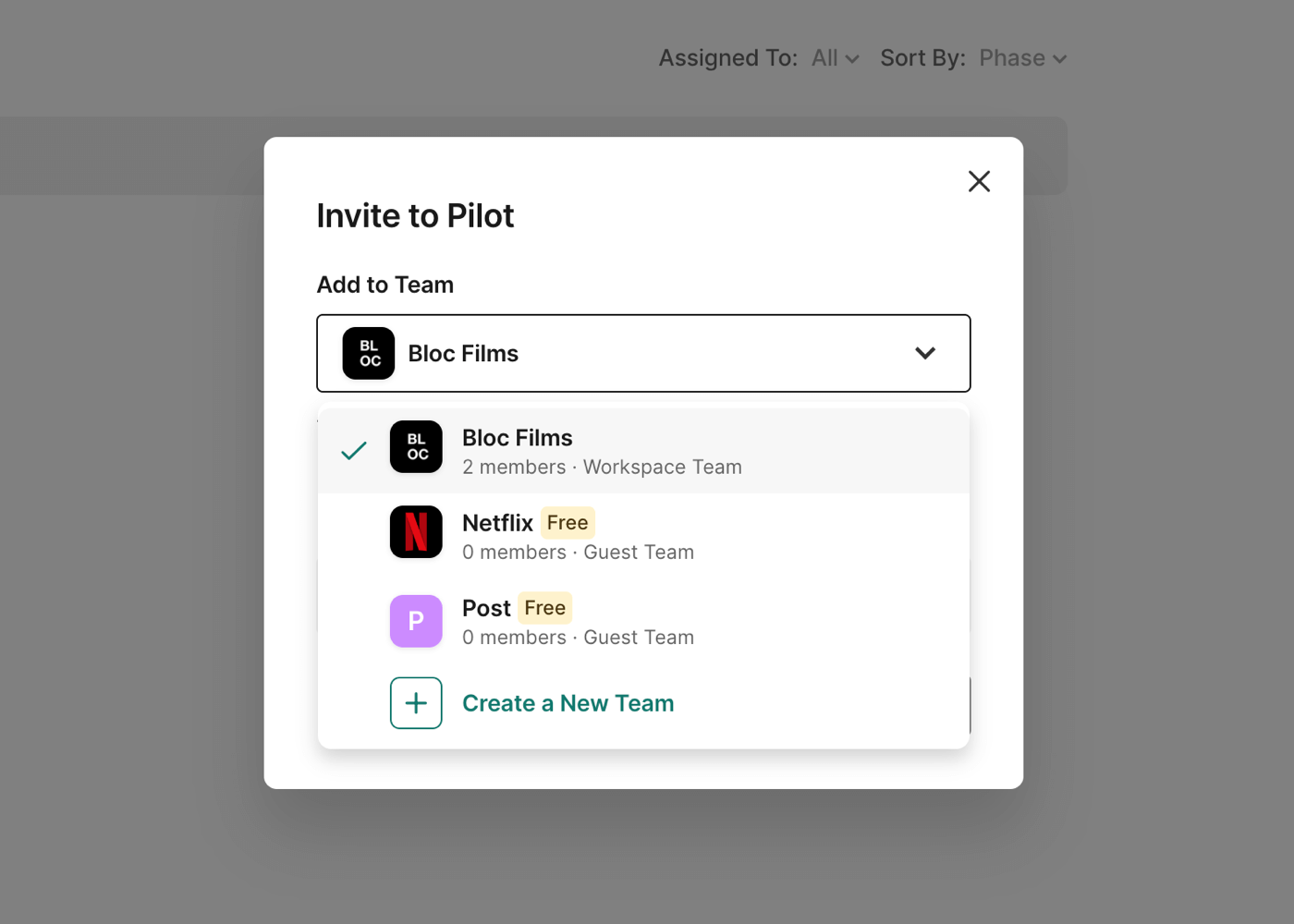
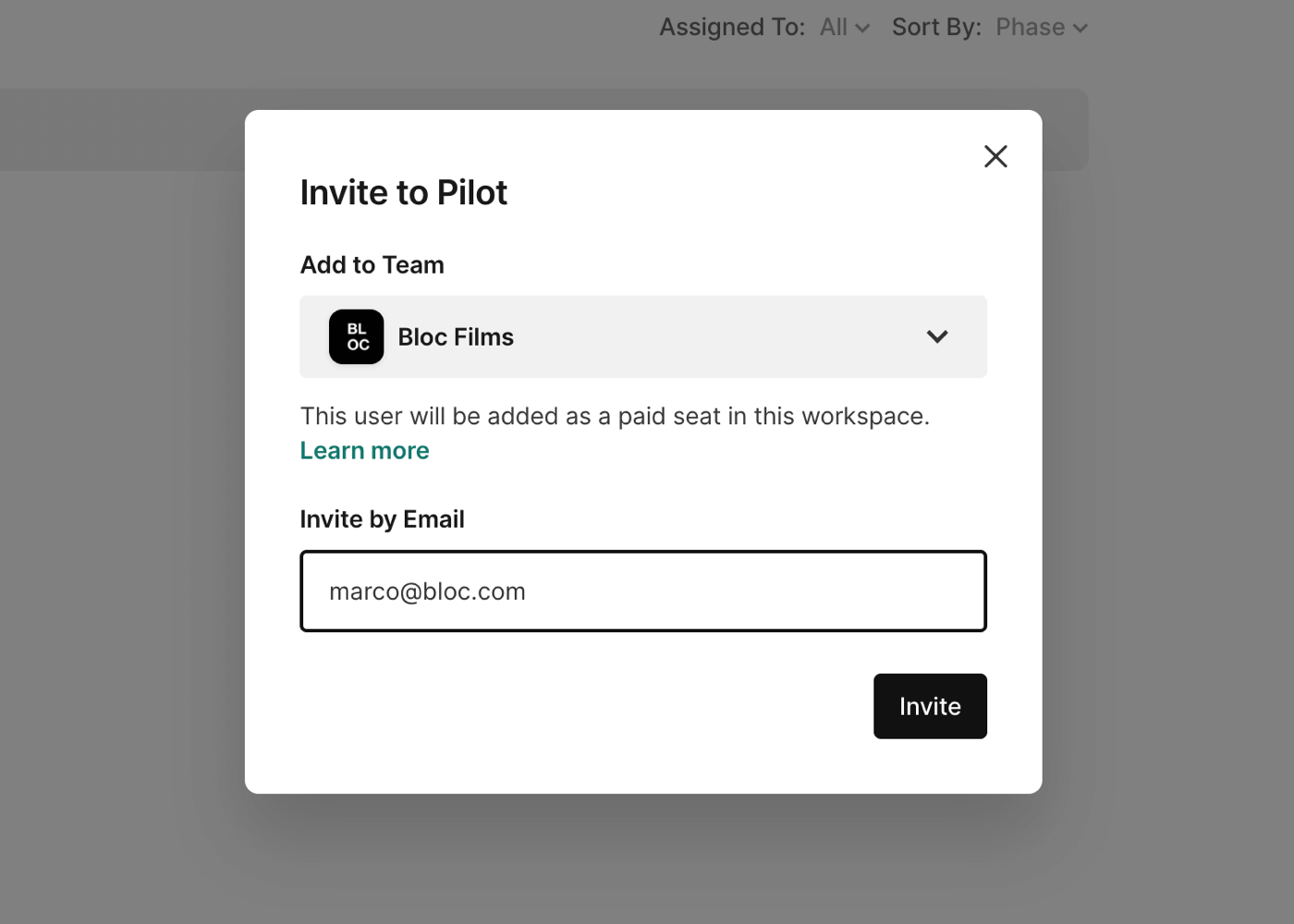
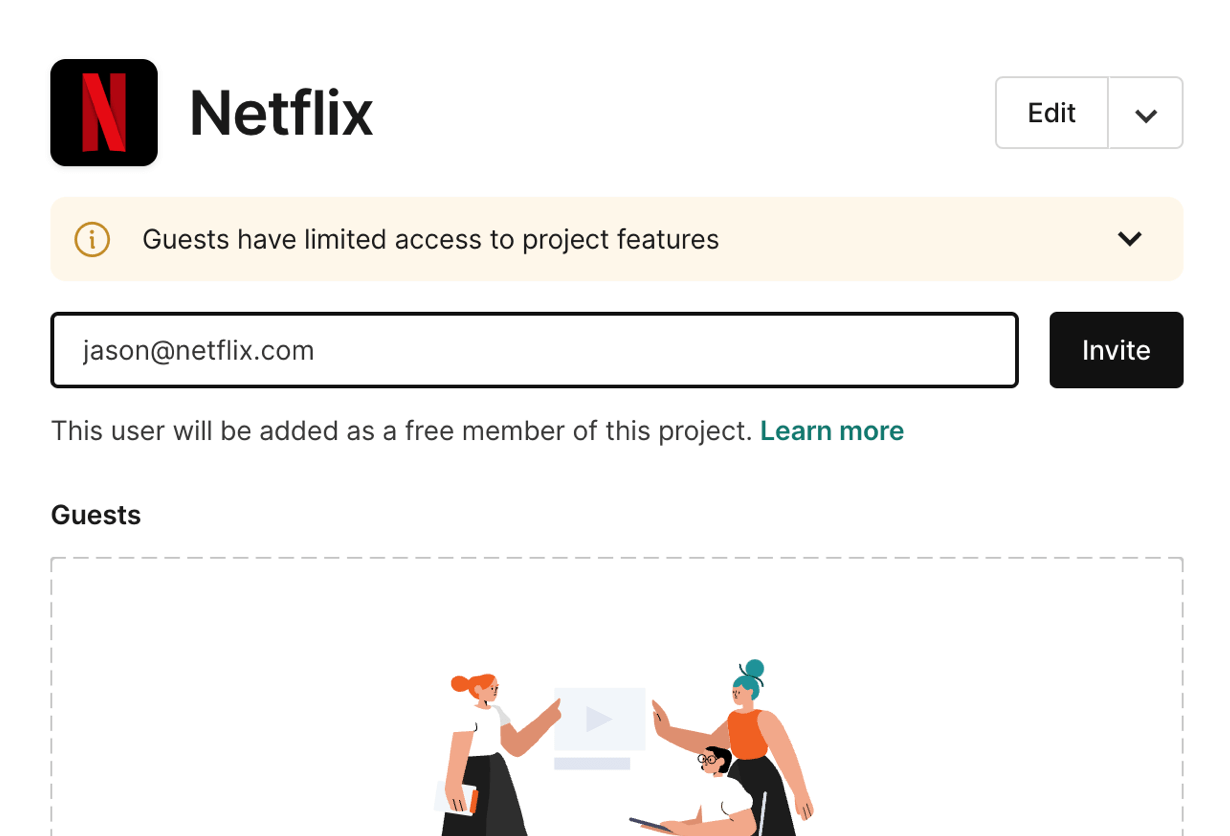
Users invited to the Workspace Team will be added as paid users on your workspace. Users invited to a Guest Team will be added to the project as a free user. Enter an email address and click Invite to send the invite.
To learn about the difference between teammates and guests, click here.
Inviting Users from a File
Within any file, you can invite users to your projects by clicking Share at the top right and selecting Invite Collaborators to this File.
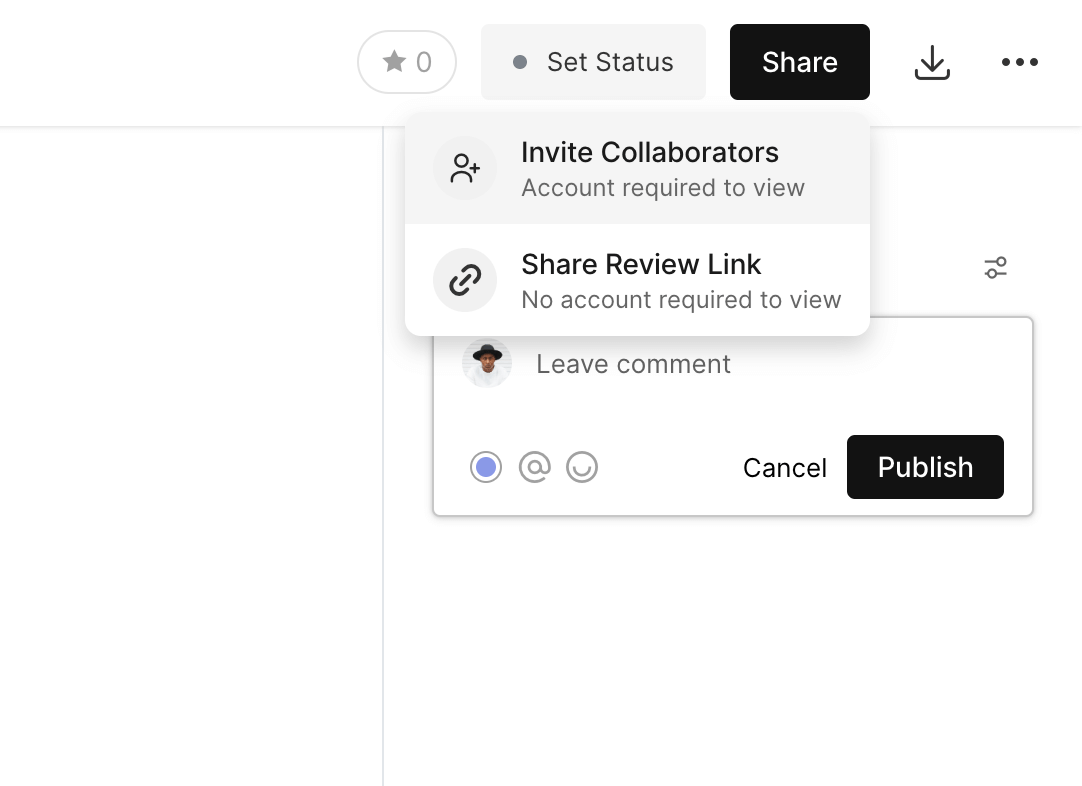
The Invite modal will open.
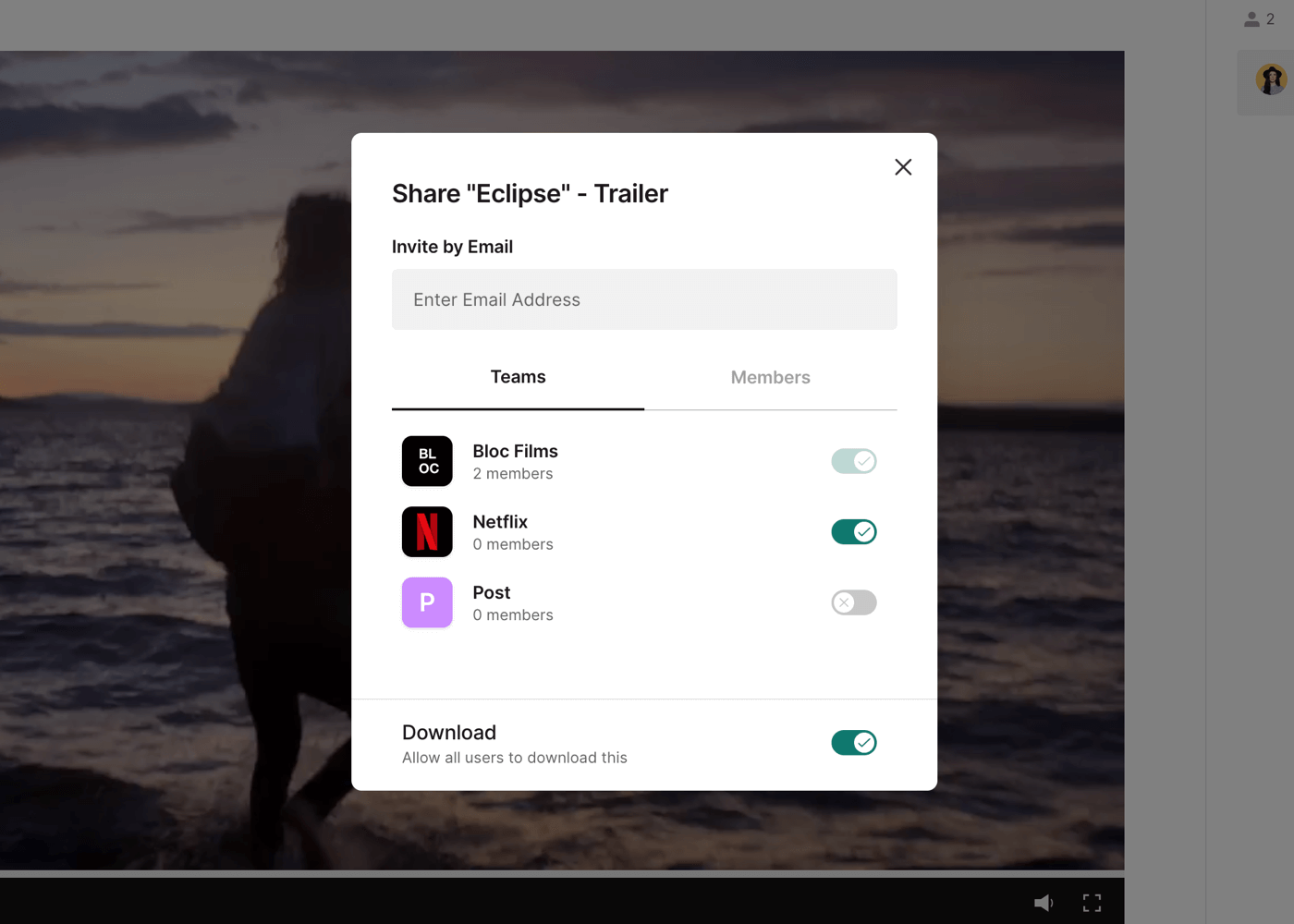
Next, enter an email address to bring up the Add to Team options.
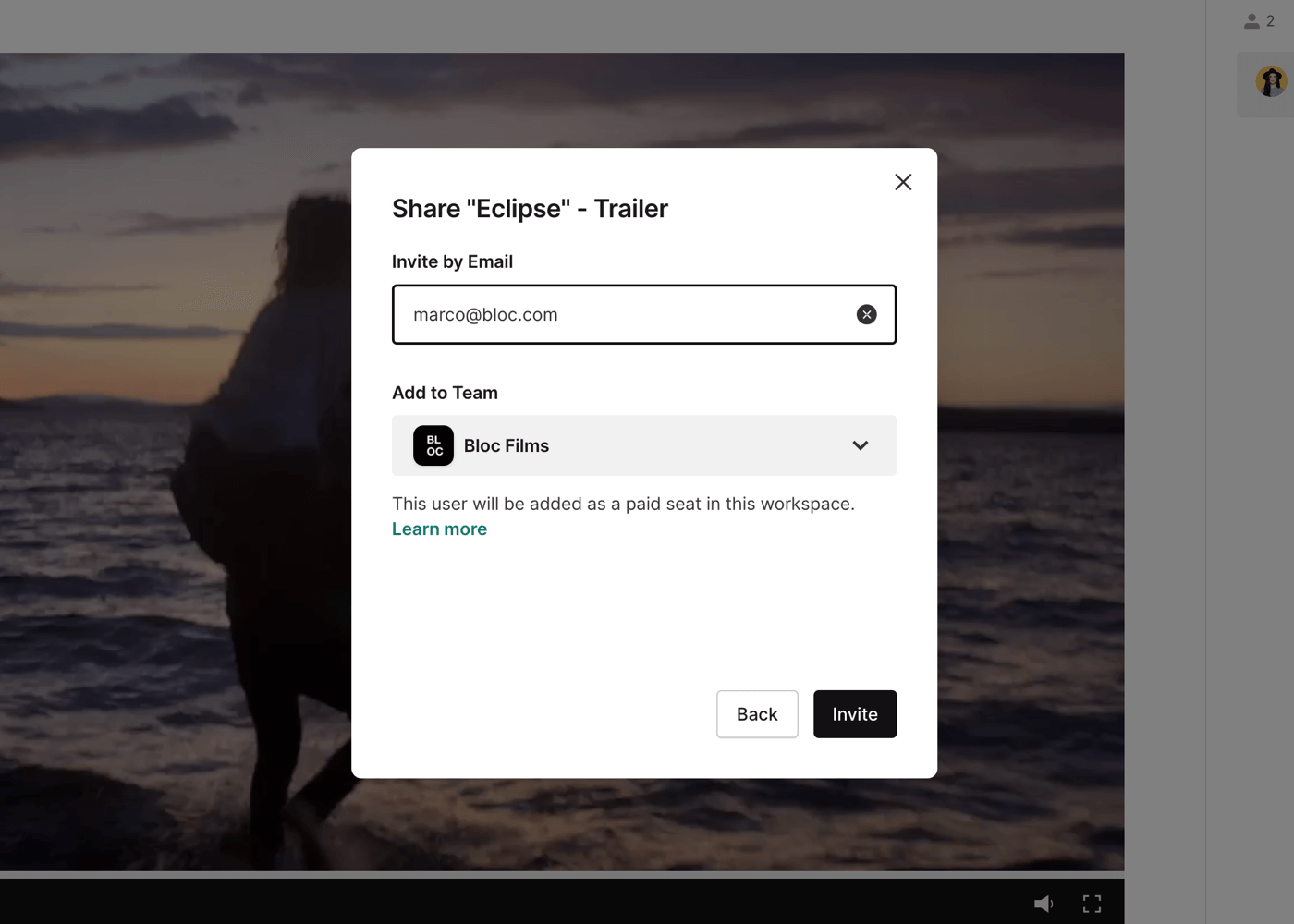
Choose which team you would like to invite them to by clicking the Add to Team drop down. Beneath the team names, each team will be identified as a Workspace Team or Guest Team.
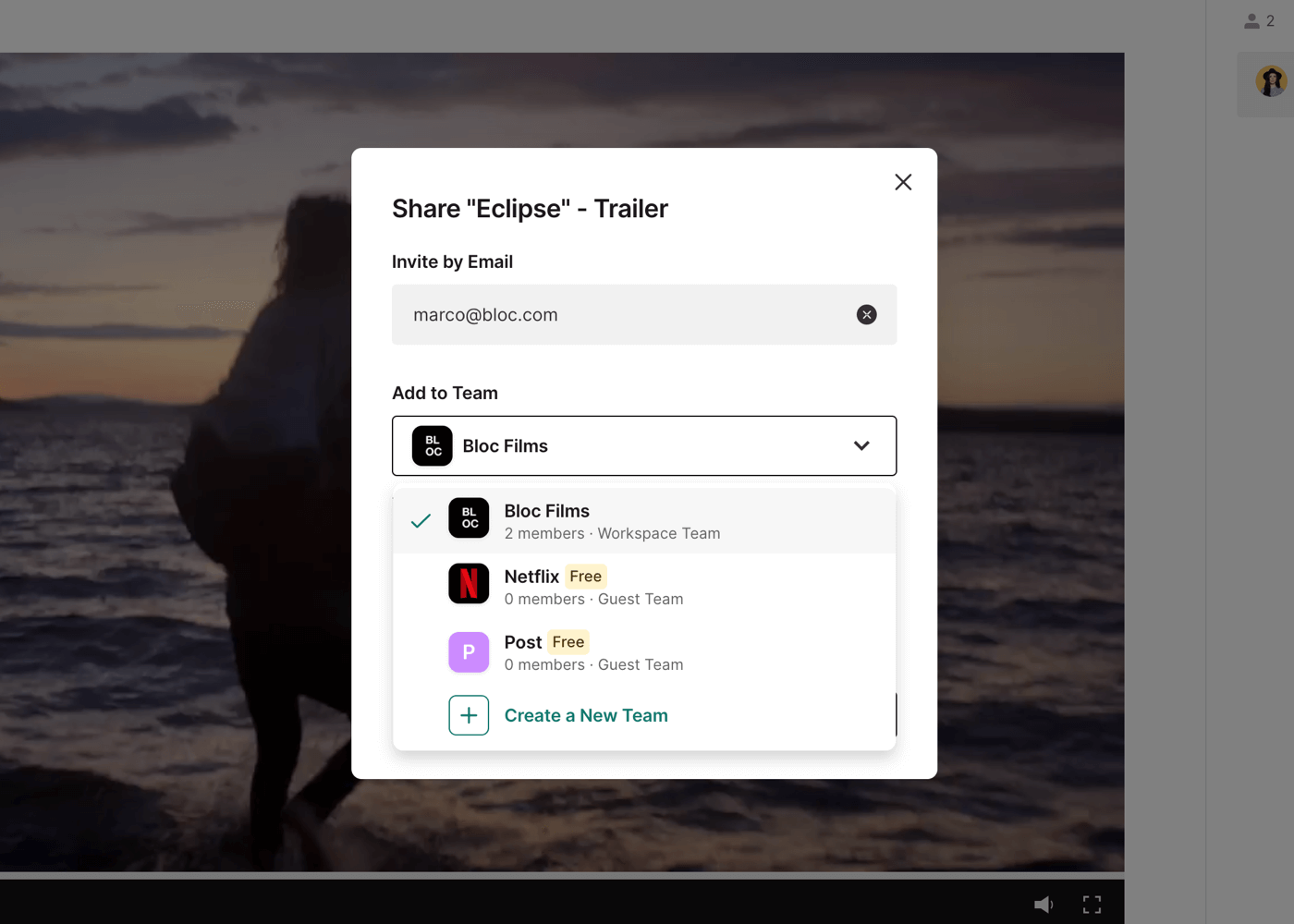
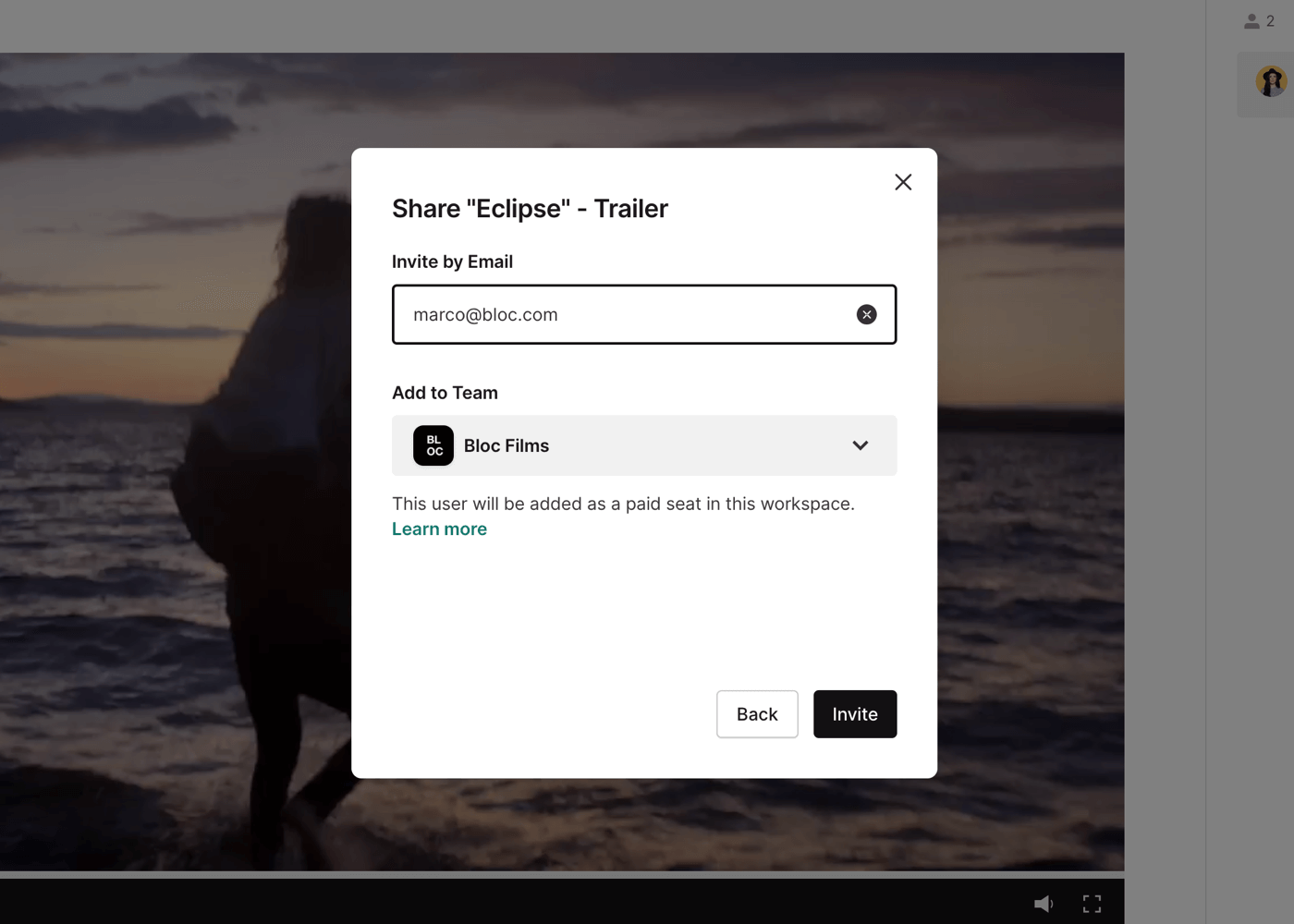
Users invited to the Workspace Team will be added as paid users on your workspace. Users invited to a Guest Team will be added to the project as a free user. Click Invite to send the invite.
Inviting Users within Teams
At the bottom left of your project dashboard, you will see your list of Teams.
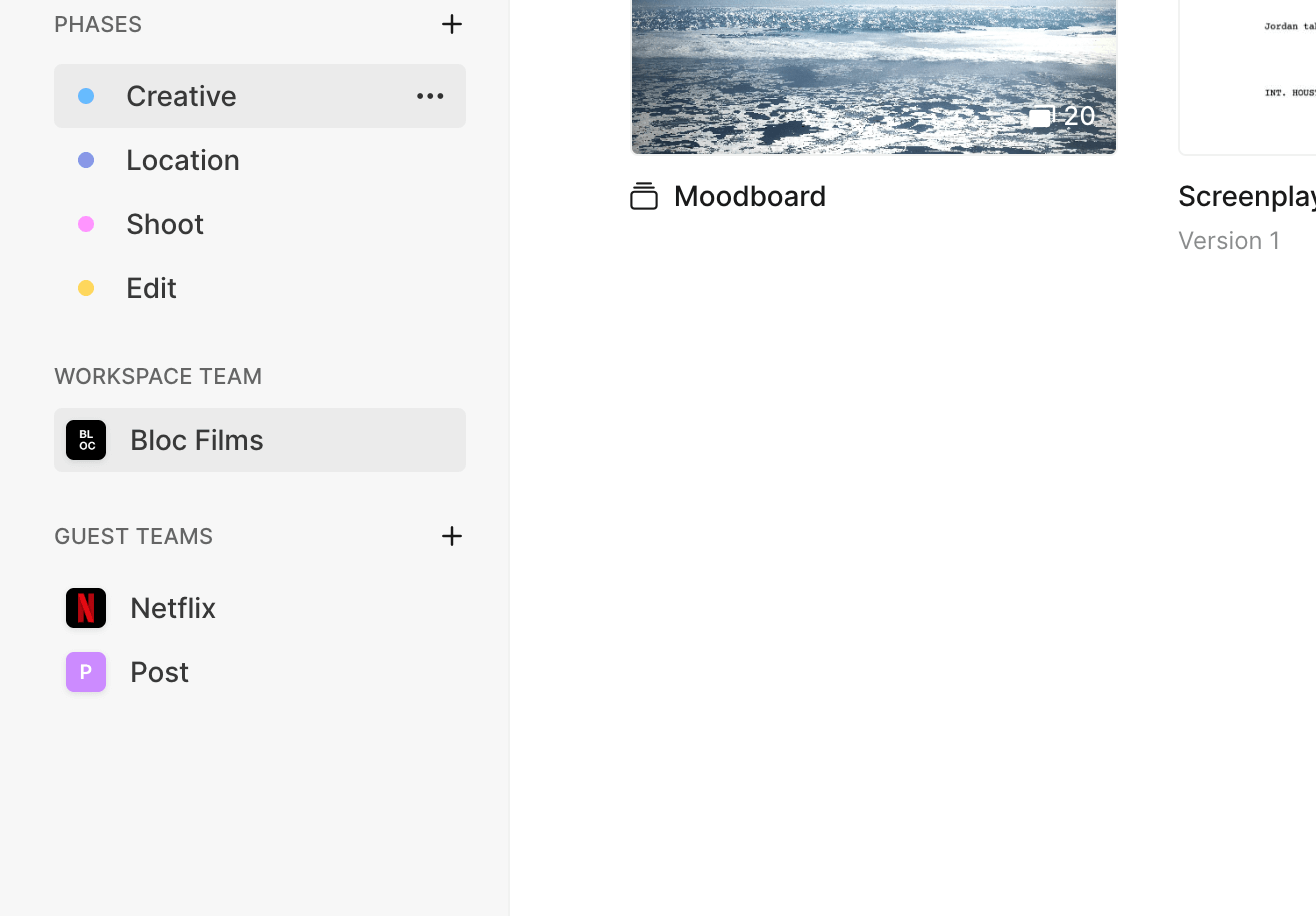
Click any Team to open it, and then add a user's email. Click Invite to add the user to this team.
To learn how to move a user from one team to another, click here.