
Change Project Details
Learn how to change your project name, company name and logo within your project settings.
Project Settings
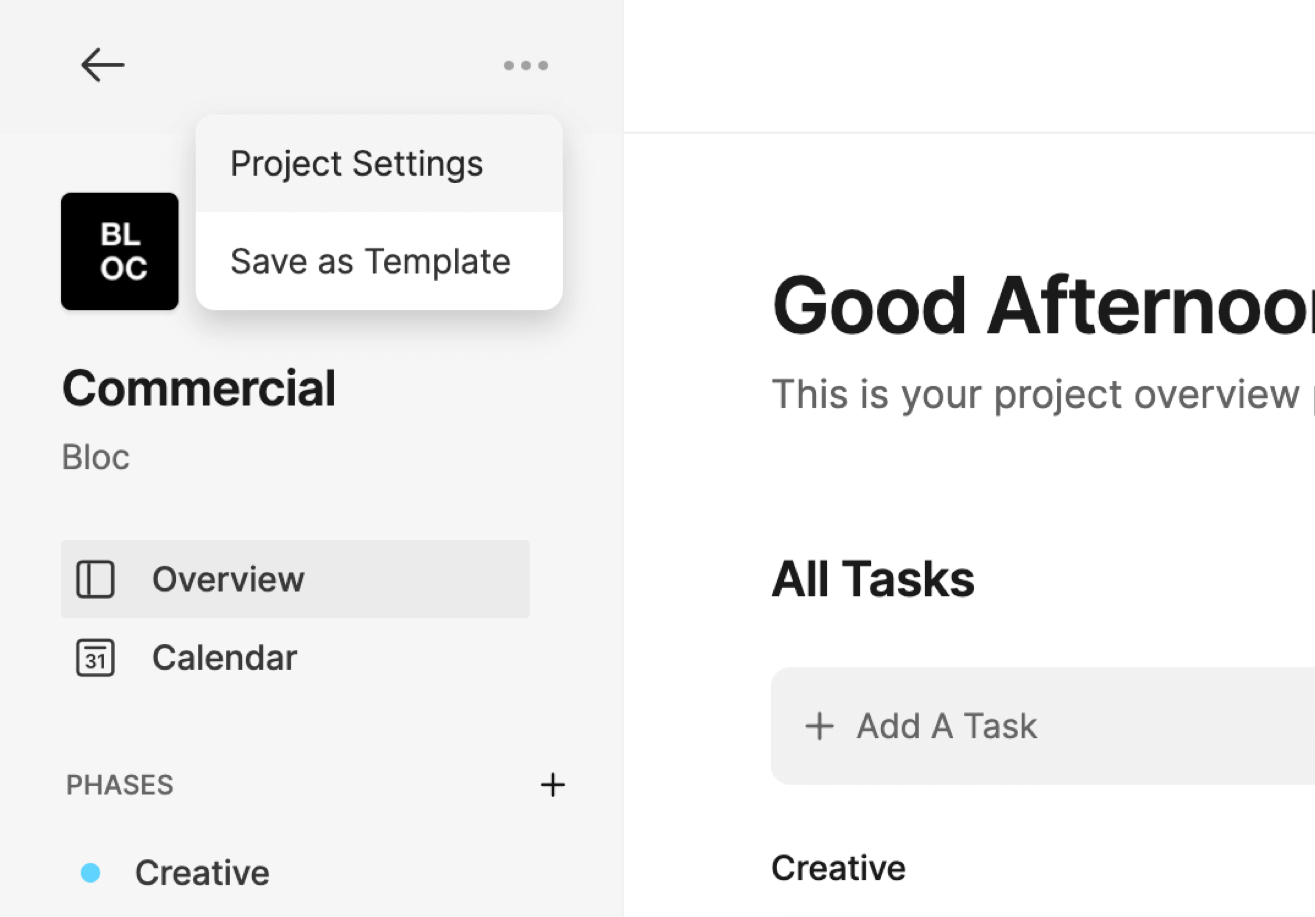
To update the individual details of a project, open a project and click the Three-Dot Menu at the top left of the project dashboard, then select Project Settings.
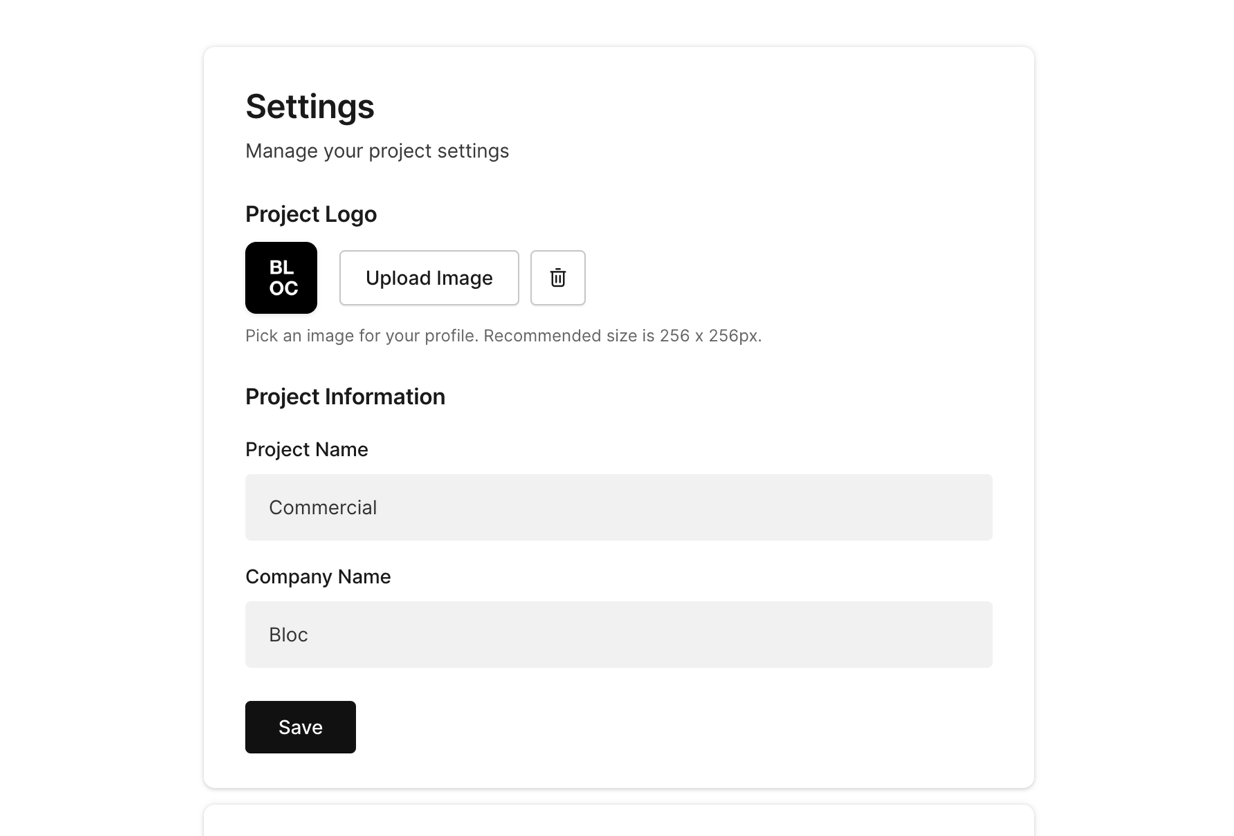
From this screen you can change upload a new Logo, change the Project Name, and the Company Name.
To learn how to delete a project, click here.
Was this helpful?