
Updating Profile and Account Settings
Learn how to update and manage your Profile and Account settin
Updating Profile and Account Settings
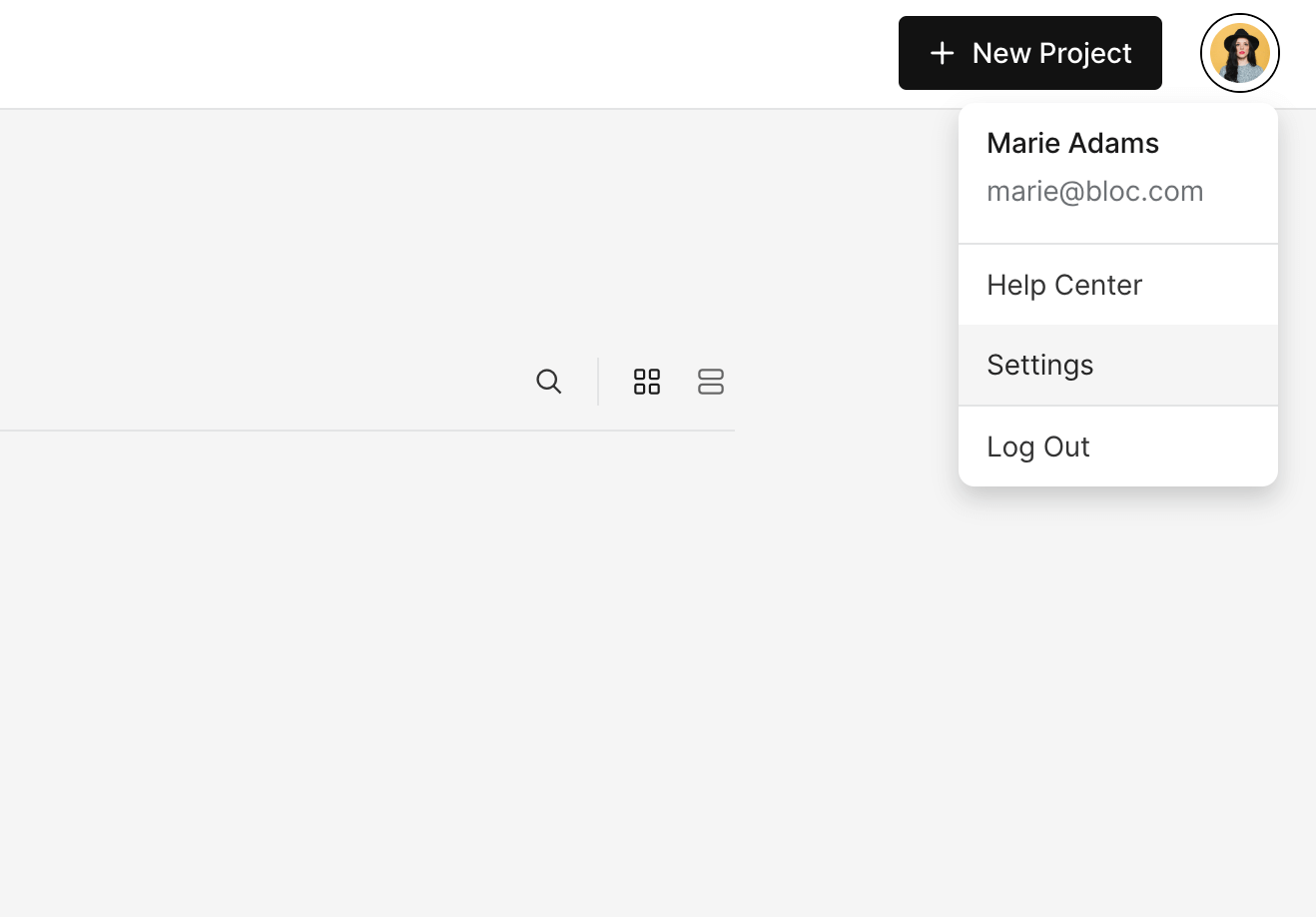
From your Projects page, click on your Profile Image in the upper-right corner and select Settings from the dropdown.
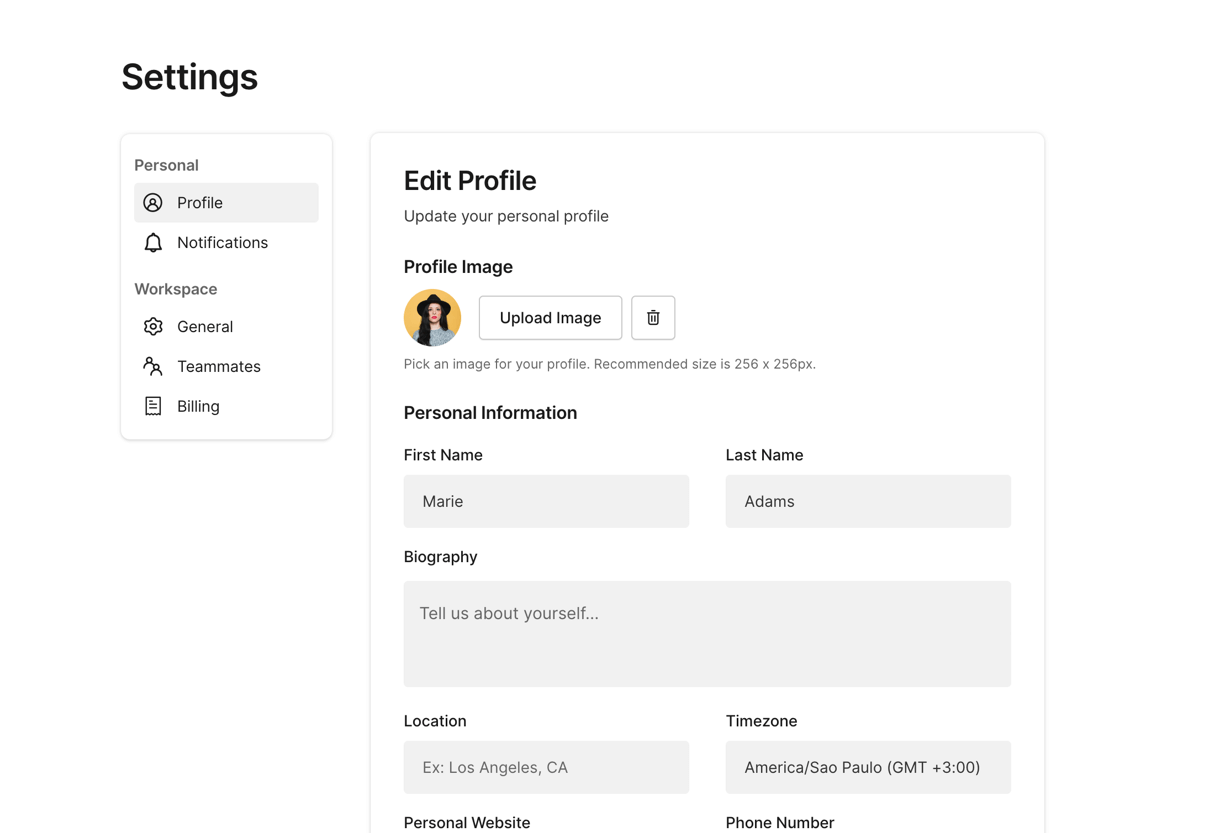
On the left hand sidebar, select Profile to update:
Profile Image
First Name
Last Name
Biography
Location
Time Zone
Personal Website
Phone Number
Email
Password
Select Notifications to manage your email notifications.
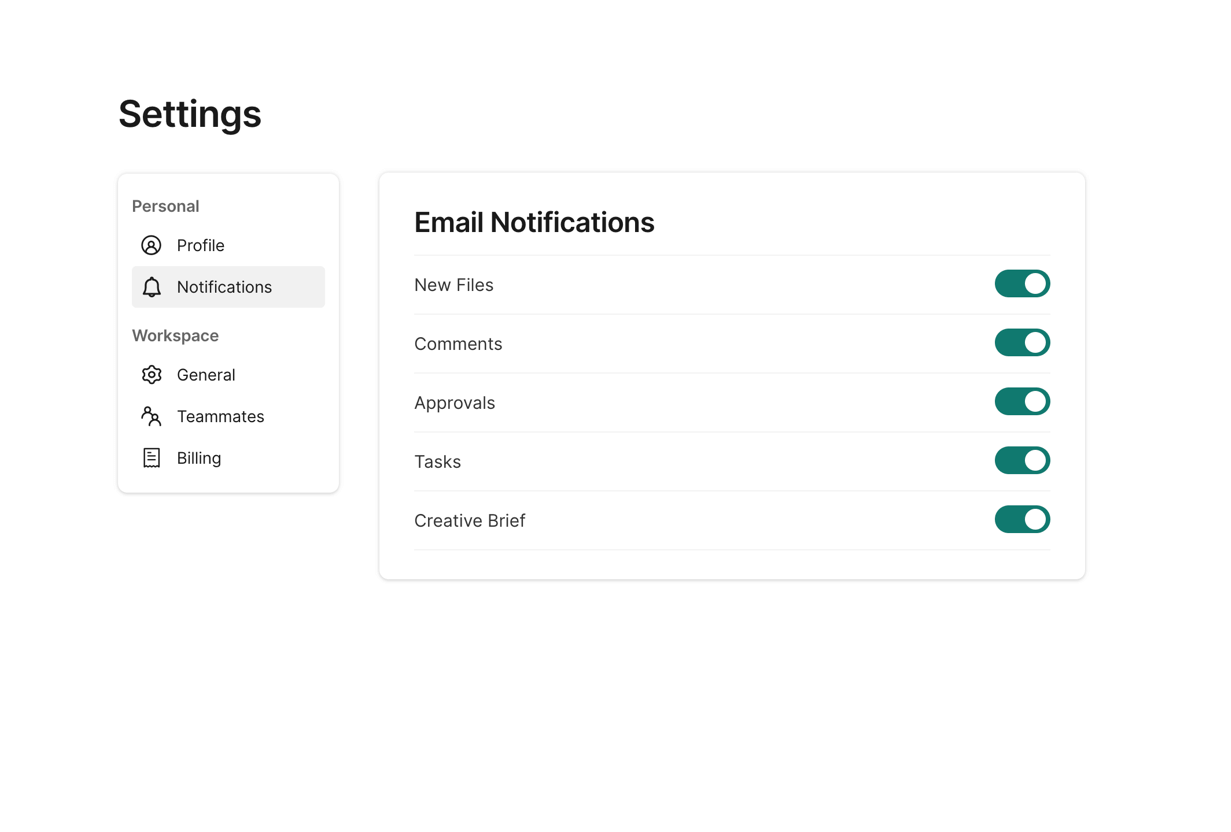
Learn more about managing email notifications here.