
Publish Templates Publicly
How to publish your template to the public for others to use.
Publishing Document Templates
If you've created a document that you would like to share, you can publish it live on the web so that anyone can access it with no Assemble account required.
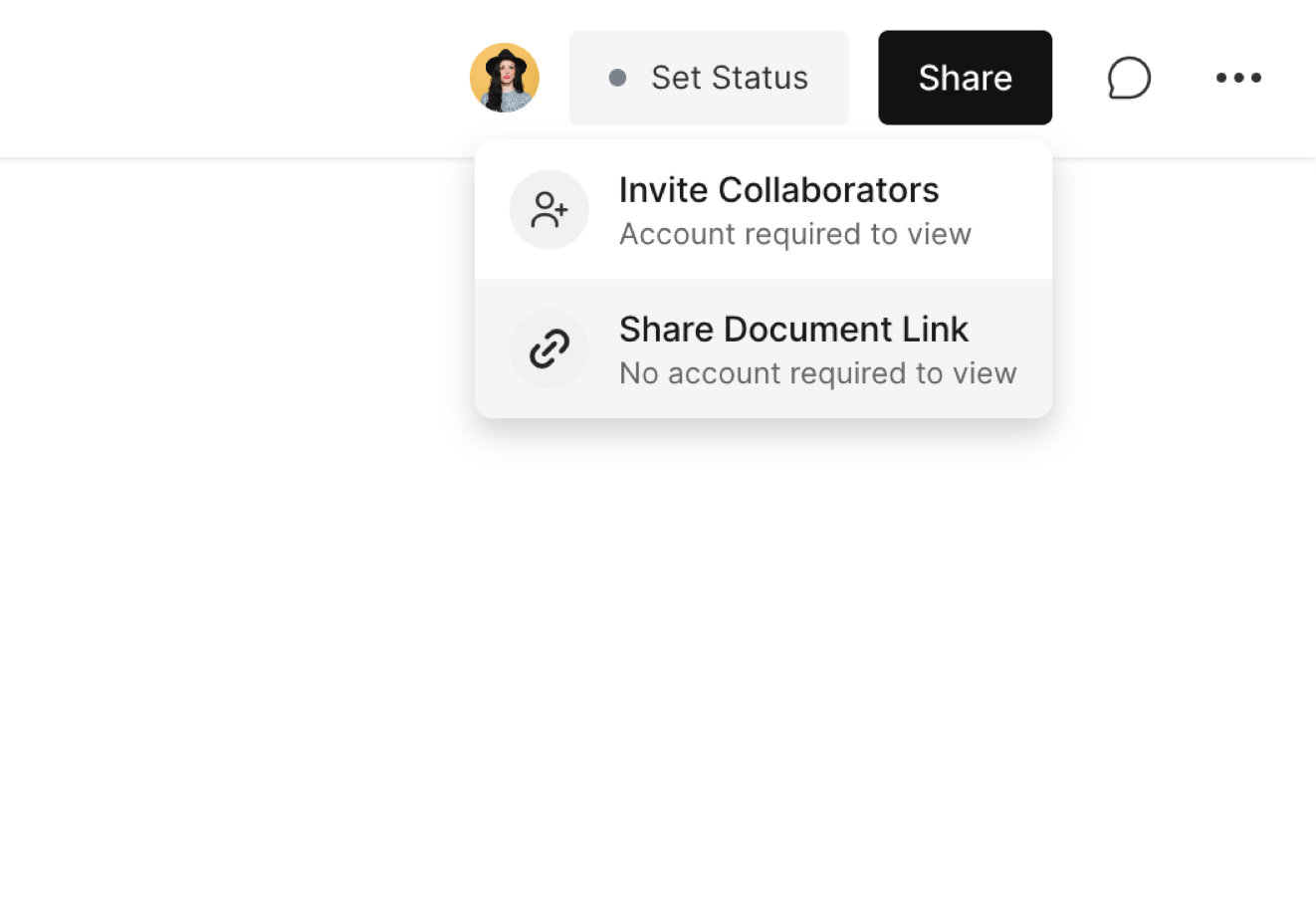
Open the document and click the Share, then select Share Document Link.
On the review link settings screen, check Publish as Template.
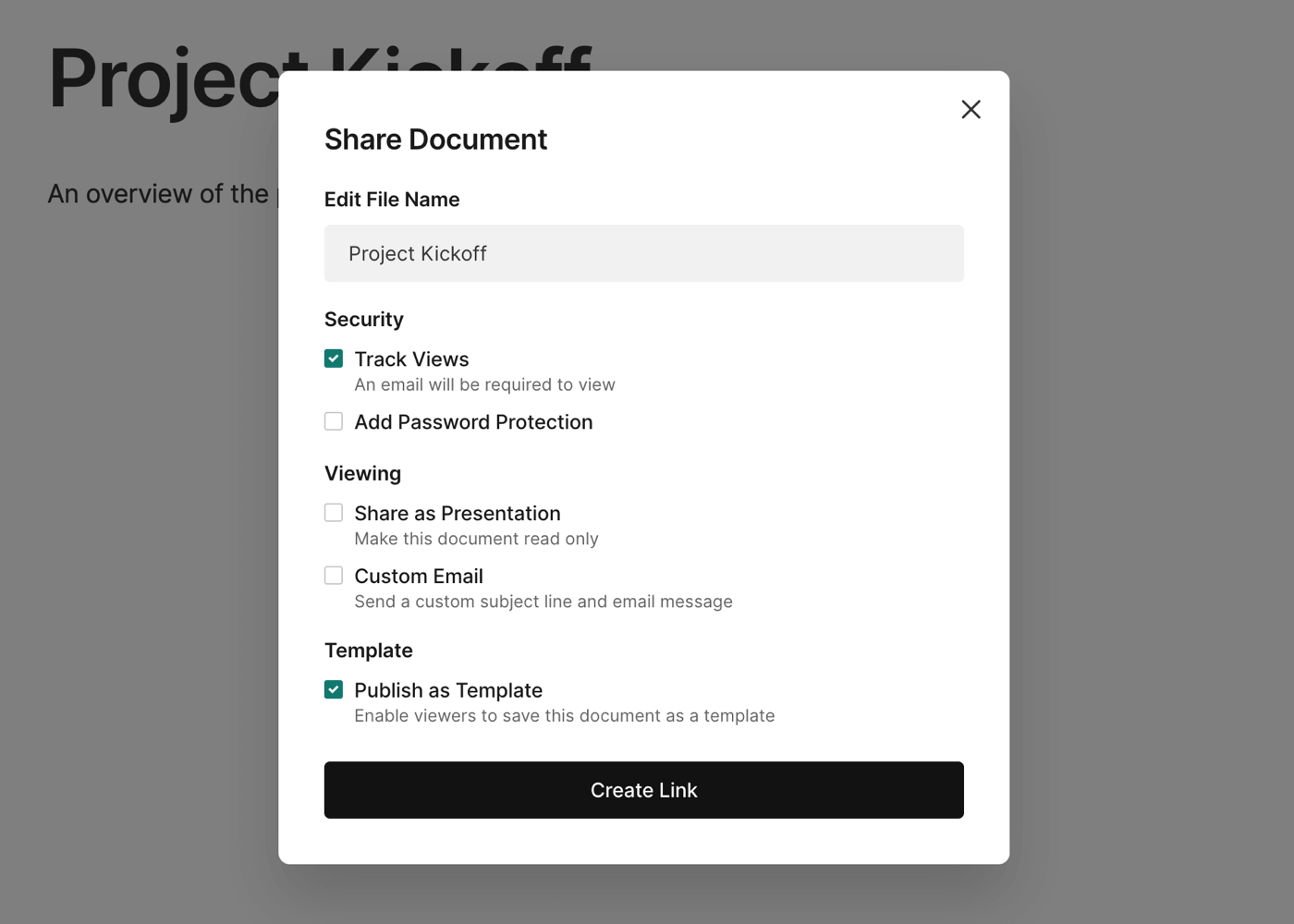
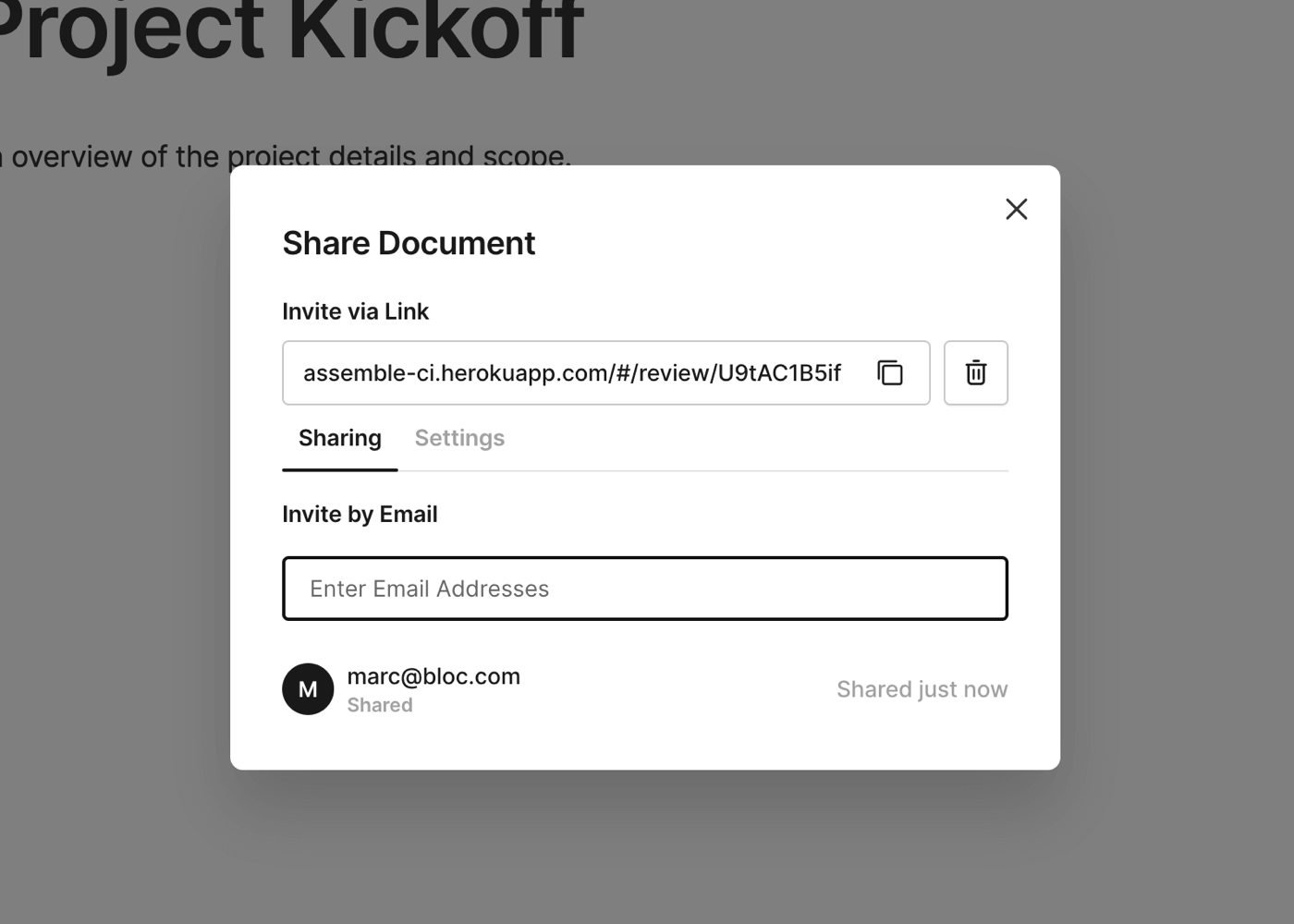
Once you have selected the appropriate options, click Create Link to generate a share link. You can copy and paste this URL, or enter an email address to send the link via email from Assemble.
Viewing and Saving a Public Template
Once someone opens this link, they will have access to your document as a public link on the web. They can click Save Template to save your template to their template library for future use.
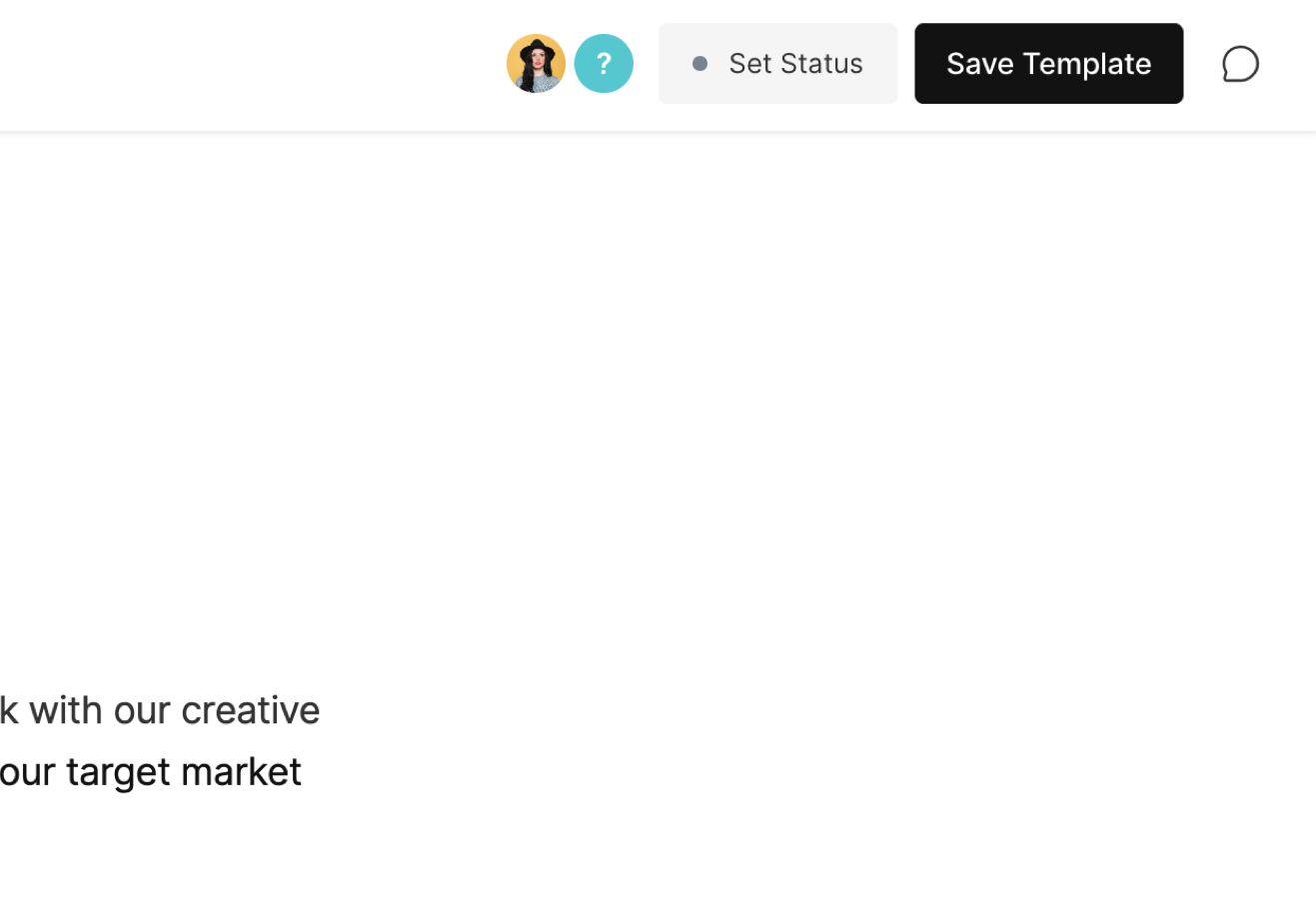
NOTE: The document template will be saved into their template library, but the owner of the original document will be listed as the author.
To learn more about creating documents, click here.