
How to Update My Payment Method
Learn how to update your payment method in Assemble.
Updating Your Payment Method
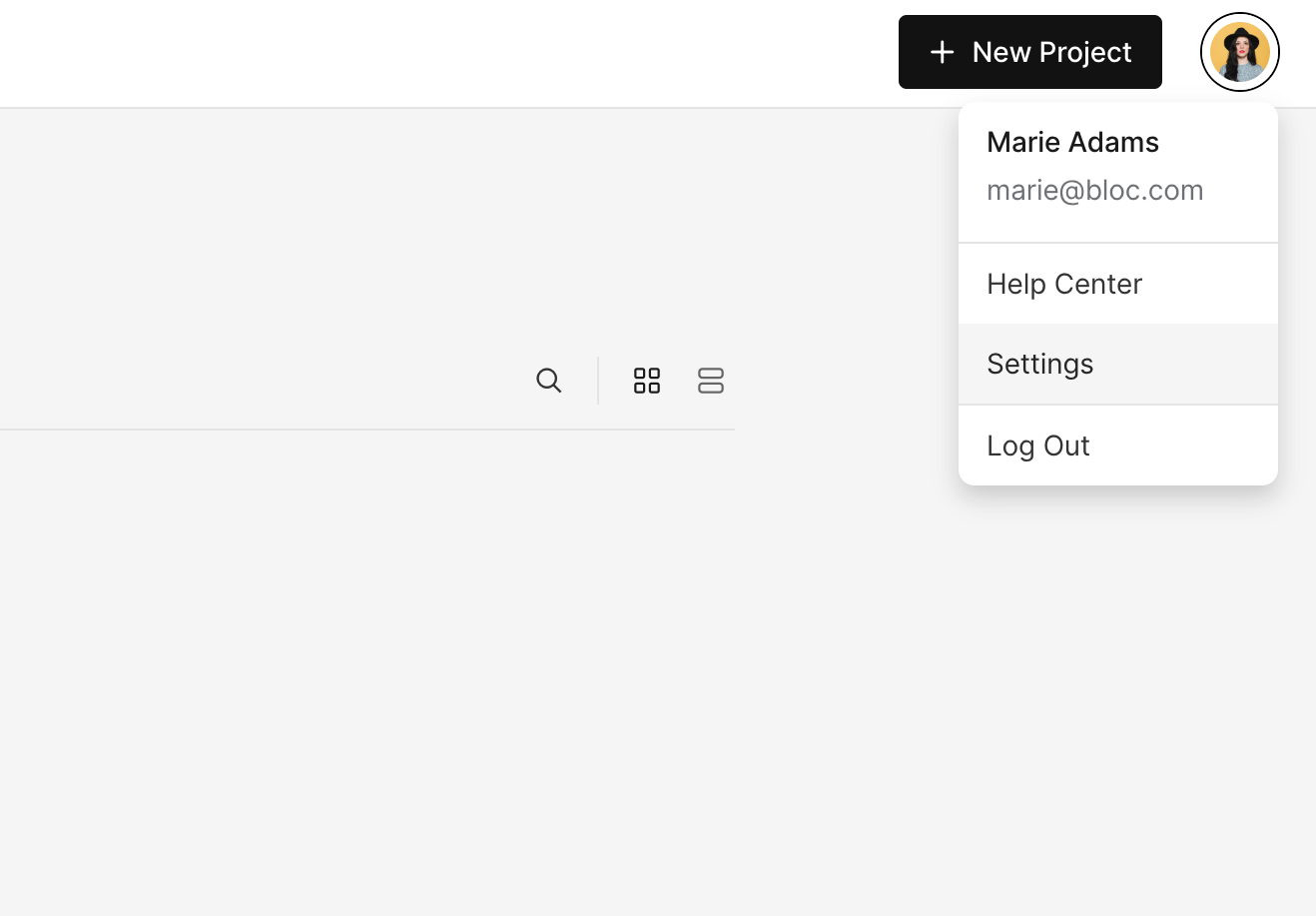
To update the payment method for your workspace, open the workspace and click the Profile Icon in the top-right, click Settings.
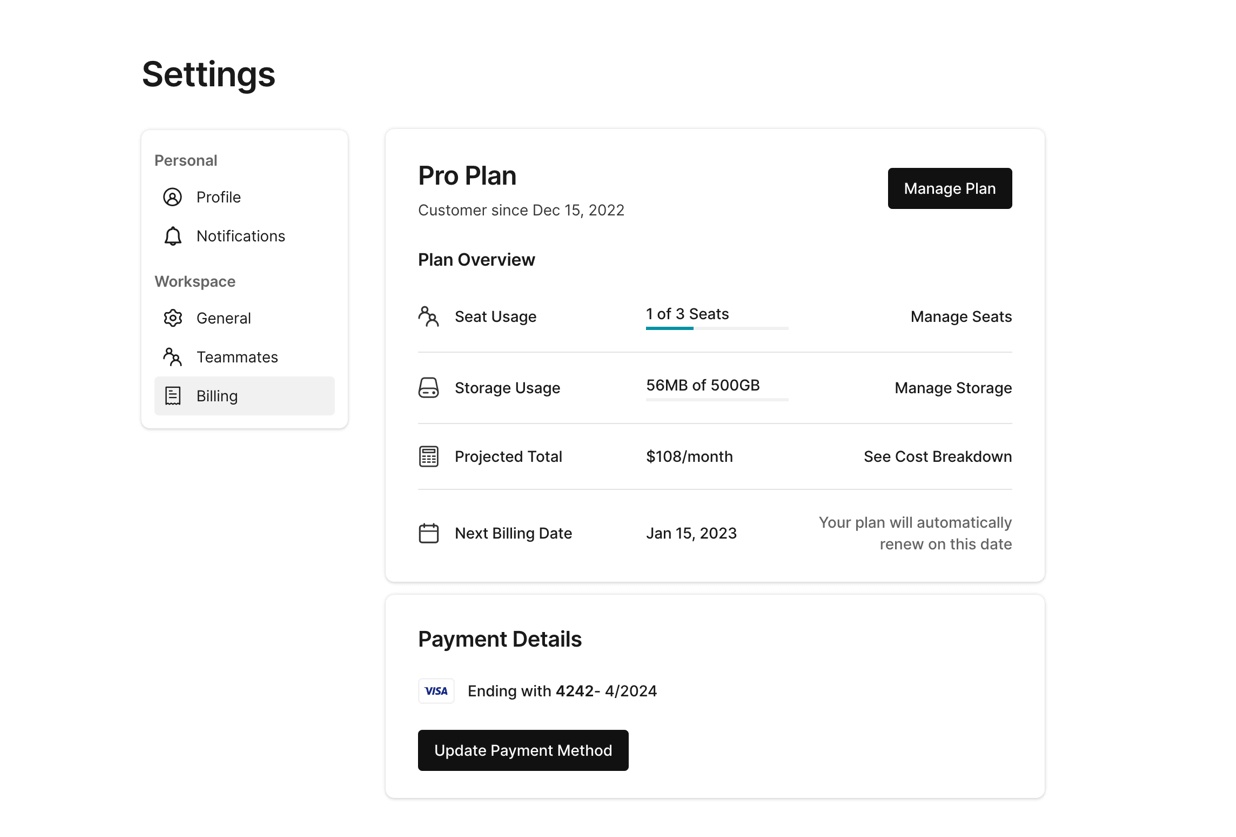
Next, select Billing. Under Payment Details you will see your current payment method. Click Update Payment Method to change the payment method.
Follow the instructions on the next page to update your payment details.