

Changing File Status
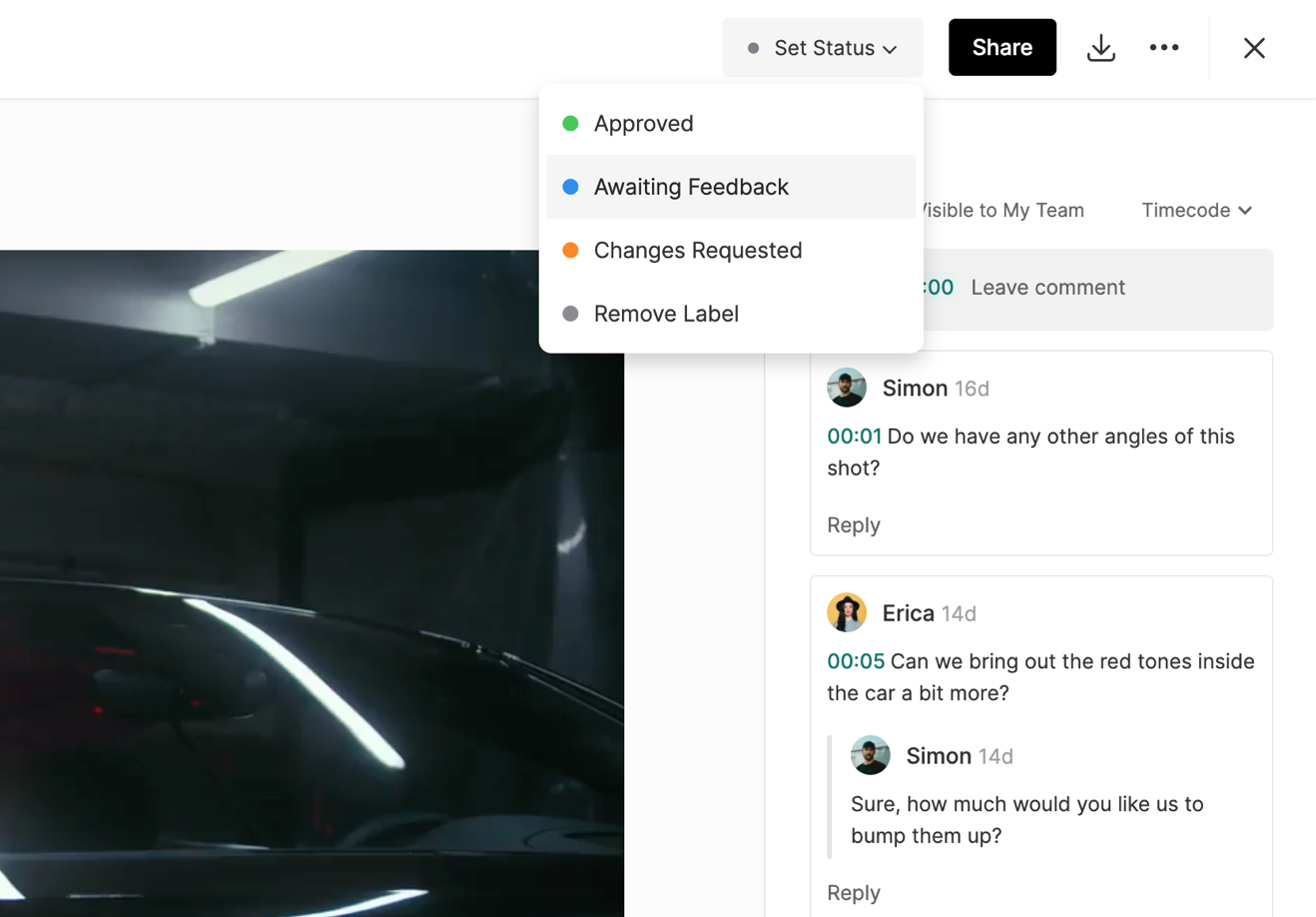
Any Asset, Gallery or Document can be assigned one of three statuses:
Awaiting Feedback
Changes Requested
Approved
Submissions can be assigned one of two statuses:
Shortlist
Approved
To learn more about submissions click here.
To change a file's status, click on Set Status in the upper right-hand corner of the file's page and select the status you would like.
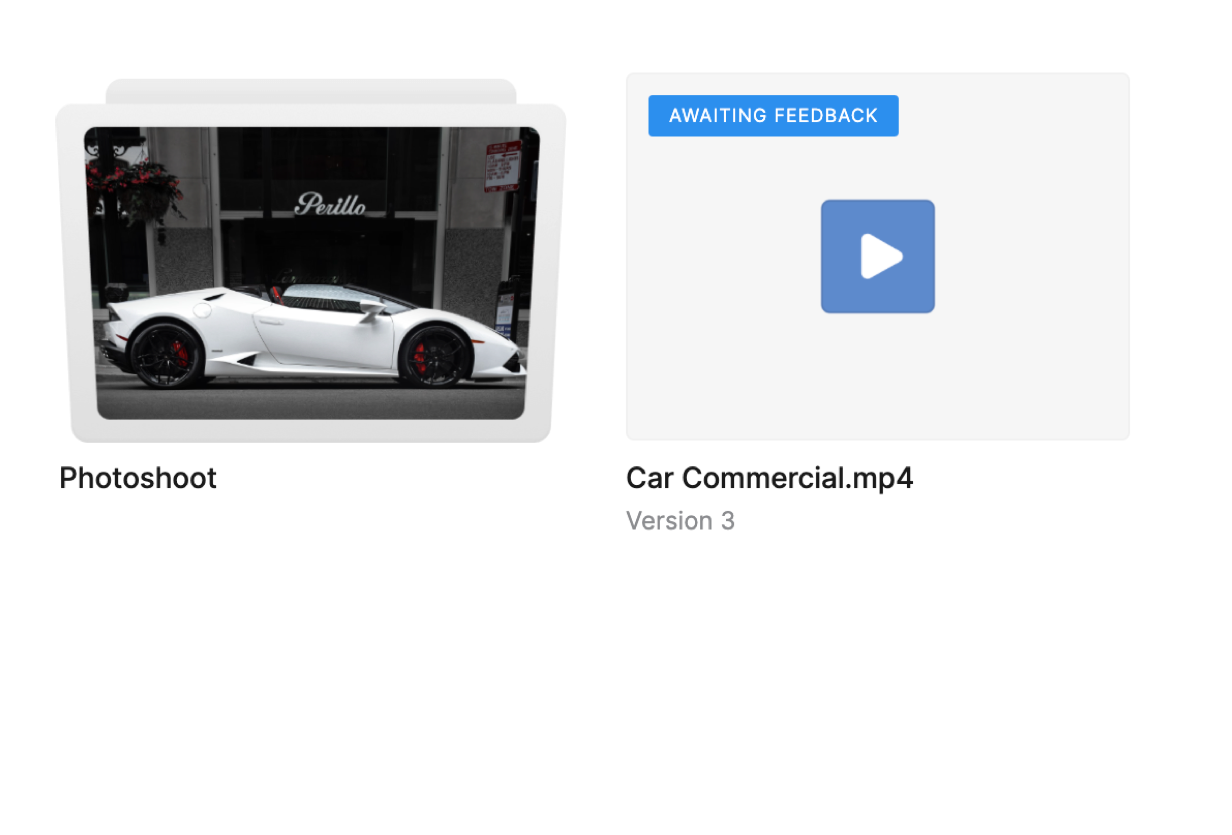
Once the status is changed, a new tag will be added to the asset thumbnail so that you can quickly view the status of all files from the folder view.
Additionally, once you change the status of a file, a notification will be sent to all other teammates who have permission to view the file.
To learn more about notifications, click here.