
Managing Email Notifications
Learn how to manage what email notifications you receive from Assemble.
Managing Email Notifications
To manage your email notification settings, navigate to the Projects Dashboard, click your Profile Icon in the top right and select Settings.
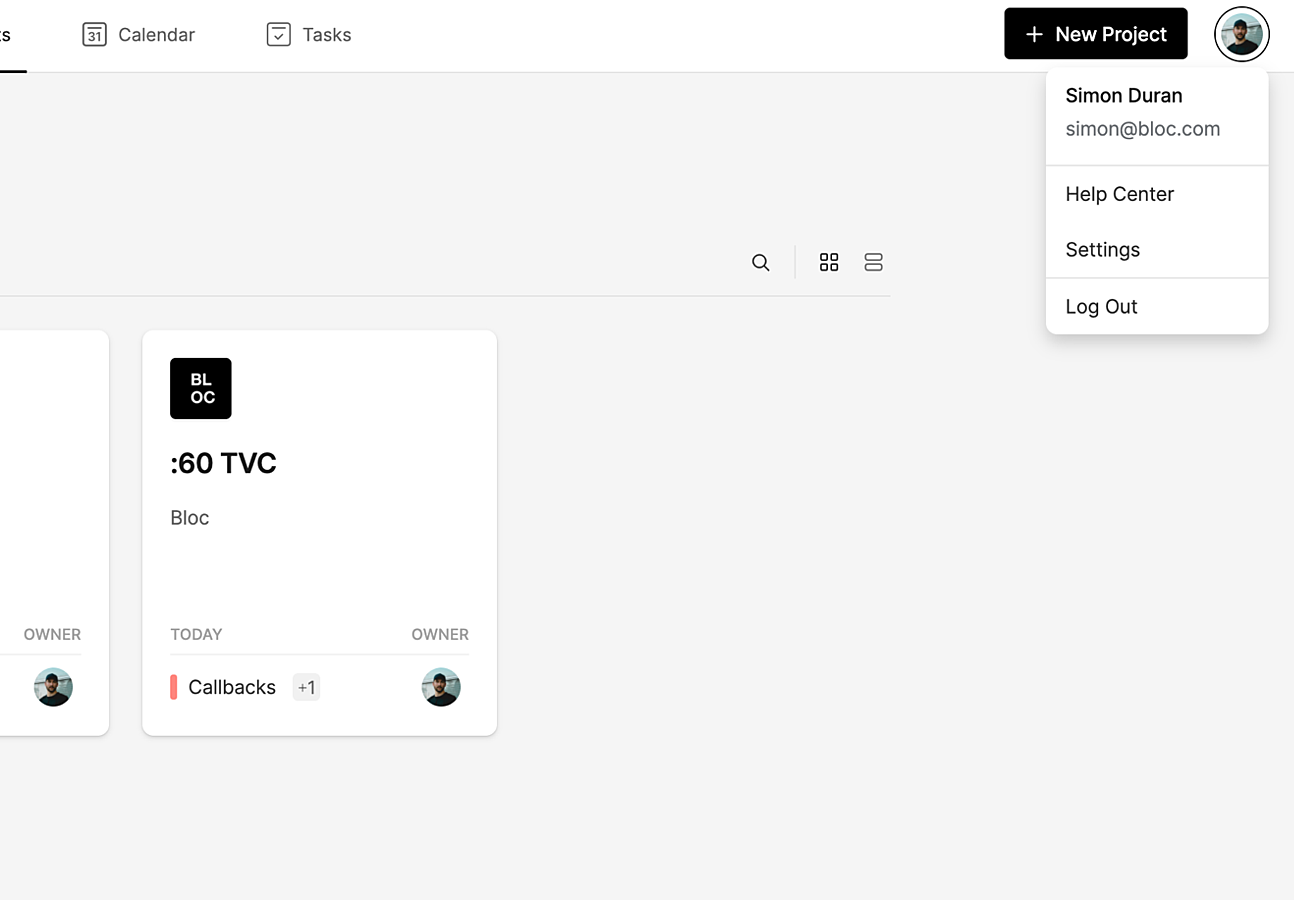
From the Settings screen, select Notifications from the sidebar. Turn on or off any email notifications you wish to receive by clicking the Toggle Switch.
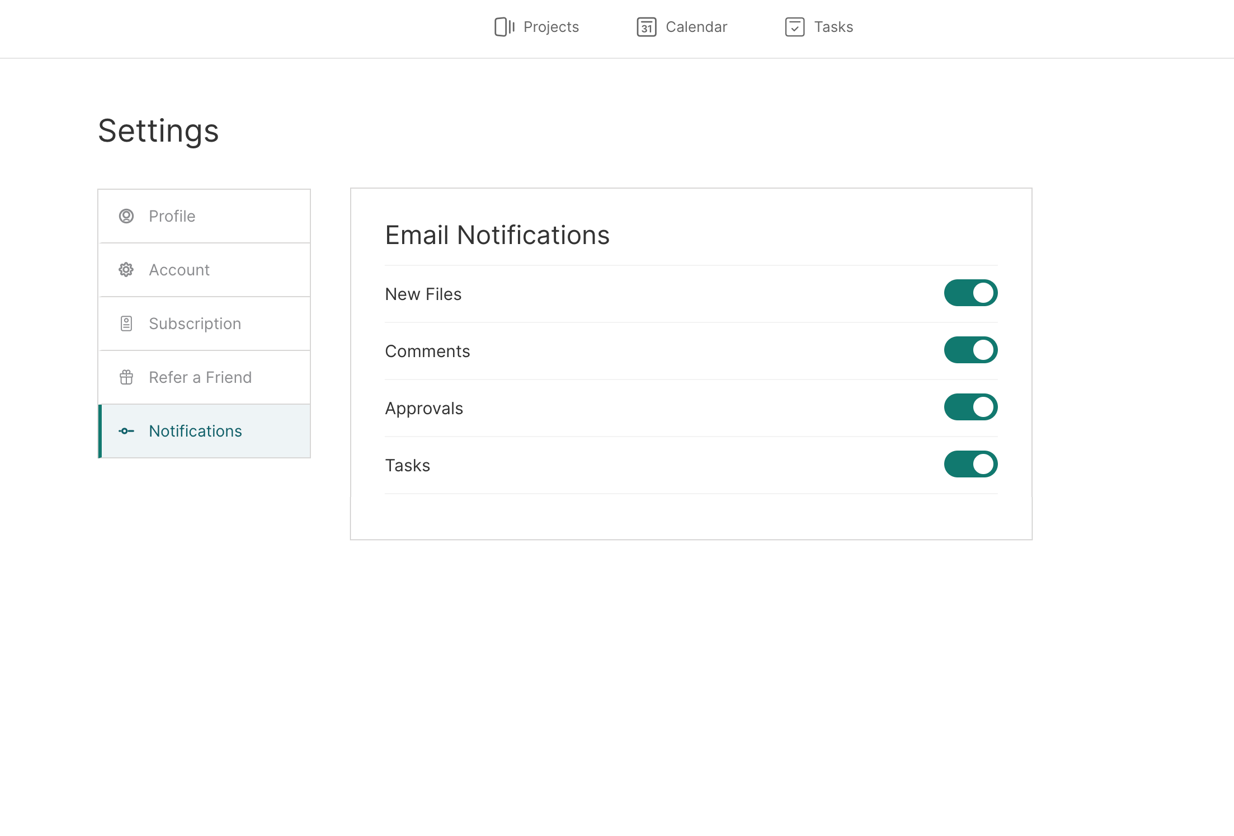
New Files: Email notifications for each new file added, including new documents.
Comments: Email notifications new comments left on any file or calendar, including Review Links. If multiple comments are left on a file, they are batched into one email notification.
Approvals: Email notifications for status changes to any files or calendars.
Tasks: Email notifications for tasks, including:
Task assigned to you
Task due today
Task overdue
To learn more about in-app notifications, click here.